Revideo
Overview of Revideo
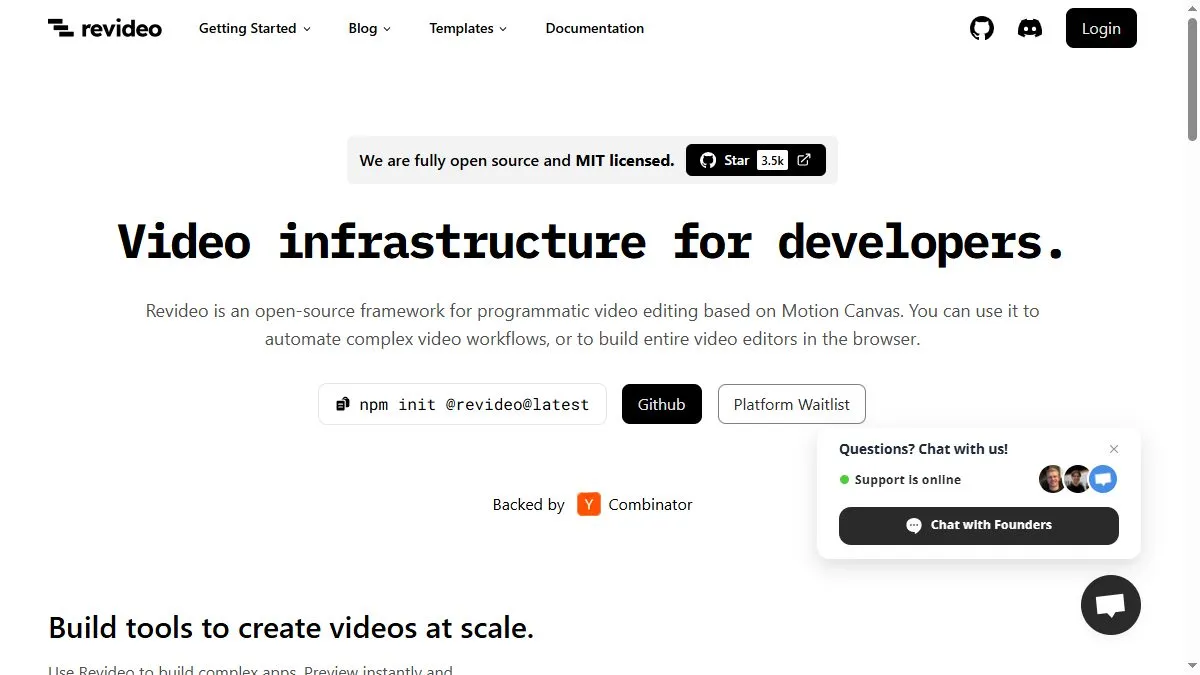
At a high level, Revideo provides a developer-friendly infrastructure for video: a scene graph, animation primitives, and a predictable rendering pipeline that you control via code. Because it’s open source and browser-capable, teams can host it themselves, integrate with existing data sources, and reproduce the exact same cut whenever inputs change. Templates live as code, so changing colors, fonts, timing, or transitions is version-controlled, testable, and repeatable. The project ships with docs, templates, and a CLI, and because it’s based on Motion Canvas you get familiar abstractions for timelines and tweens. This approach shines when you need to mass-personalize videos or keep a recurring series (weekly stats, price drops, product updates) in lockstep with your data without manual editing.
How to use Revideo
Install with npm init @revideo@latest and follow the Getting Started guide. Create a project, define scenes as functions, and compose elements (text, shapes, images, charts) with animation timelines. Parameterize brand tokens (colors, fonts, logos) and content (titles, numbers, thumbnails) so a single template renders many outputs. For server use, trigger renders from a job queue when new data arrives. In the browser, embed the player/editor to preview and tweak inputs live. Because everything is code, store templates in Git, run CI to render sample frames for PRs, and tag releases when you lock a look for a campaign.
What is Revideo
Revideo is a developer’s video engine: an open, programmable layer that turns video into a function of your data and design system. It’s ideal when you want deterministic, scalable outputs—thousands of on-brand clips from templates—without paying per-render for a closed SaaS. By treating scenes as code, you gain reproducibility, reviewability, and integration flexibility (APIs, web apps, internal tools), making it a strong fit for product teams and platforms that need video at software scale.
Video about Revideo
Revideo Trends
Reviews
Fast scene swaps
Timeline edits do not break everything. I move scenes around and it keeps sync. Nice.
Make b roll do more
I use b roll with motion that matches the verb in the line. Looks intentional with zero extra work.
Watch render times
Heavy effects stack slows exports. I split by chapter and stitch outside.
Keep clips short
Five second shots feel premium and hide small glitches. Easier to pace.