Kapwing AI
Overview of Kapwing AI
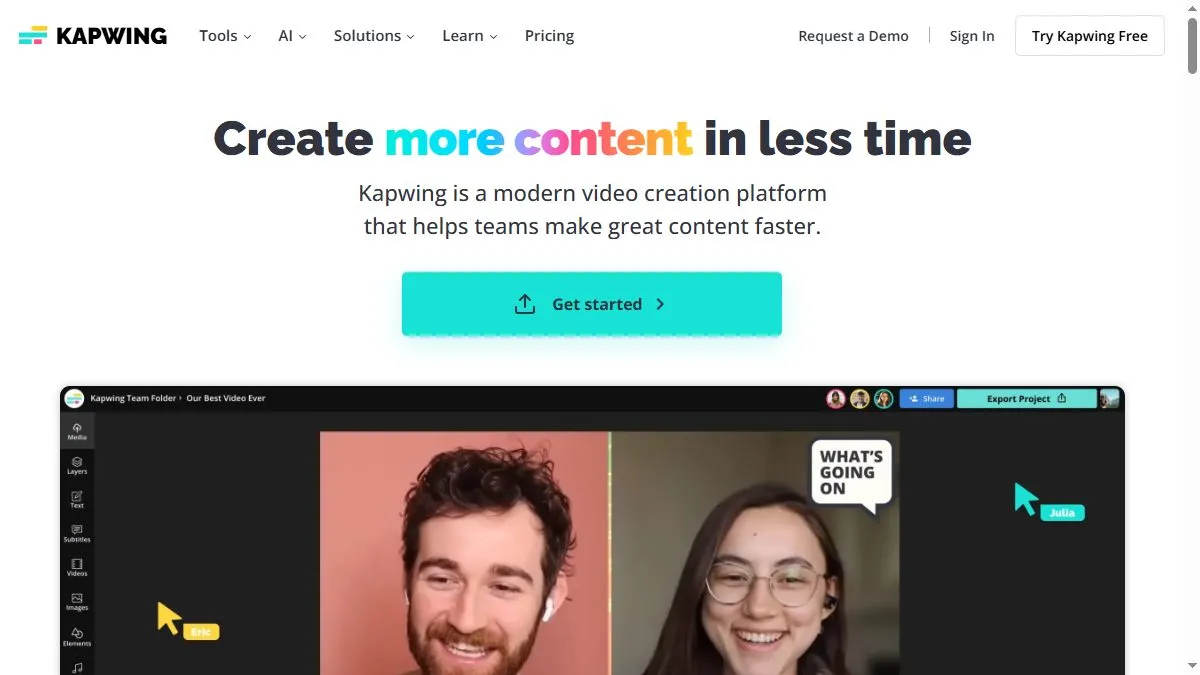
Kapwing uses AI to simplify every stage of video creation—from script generation to editing and resizing for different platforms. Features include Smart Cut (automatic silence removal), Auto Captions, background removal, and AI voiceovers. The platform’s templates cover TikTok, YouTube, Instagram, and more, allowing quick adaptation to formats. Its collaborative dashboard lets teams review and export edits together. Kapwing AI also generates scripts and subtitles in multiple languages, making it a one-stop creative tool for global campaigns. It runs entirely in the browser with no installation required.
How to use Kapwing AI
Go to kapwing.com and upload or record your video. Use Smart Cut to trim, Auto Captions to subtitle, and AI Script to generate text content. You can also use AI Video Generator to create short clips from text prompts. Edit visuals, transitions, or audio directly in the timeline. Export to desired formats or share projects via link. The free tier covers basic edits; premium users unlock HD exports and collaboration tools.
What is Kapwing AI
Kapwing AI is the creative hub for modern video workflows. It merges intuitive editing with AI-powered automation, giving creators and teams the ability to produce polished content in record time—without traditional editing complexity.
Video about Kapwing AI
Kapwing AI Trends
Reviews
Templates without the template look
I swap typefaces and set tighter spacing up front. The result feels custom with minimal work.
Captions are quick
Auto captions are fine but I correct brand words and export both burned and SRT versions.
Browser editing that holds up
I rough cut here and color grade elsewhere. It keeps the laptop cool and fast.
Presets save clicks
Social size presets reduce manual crops. Little things add up.