HeyGen
Overview of HeyGen
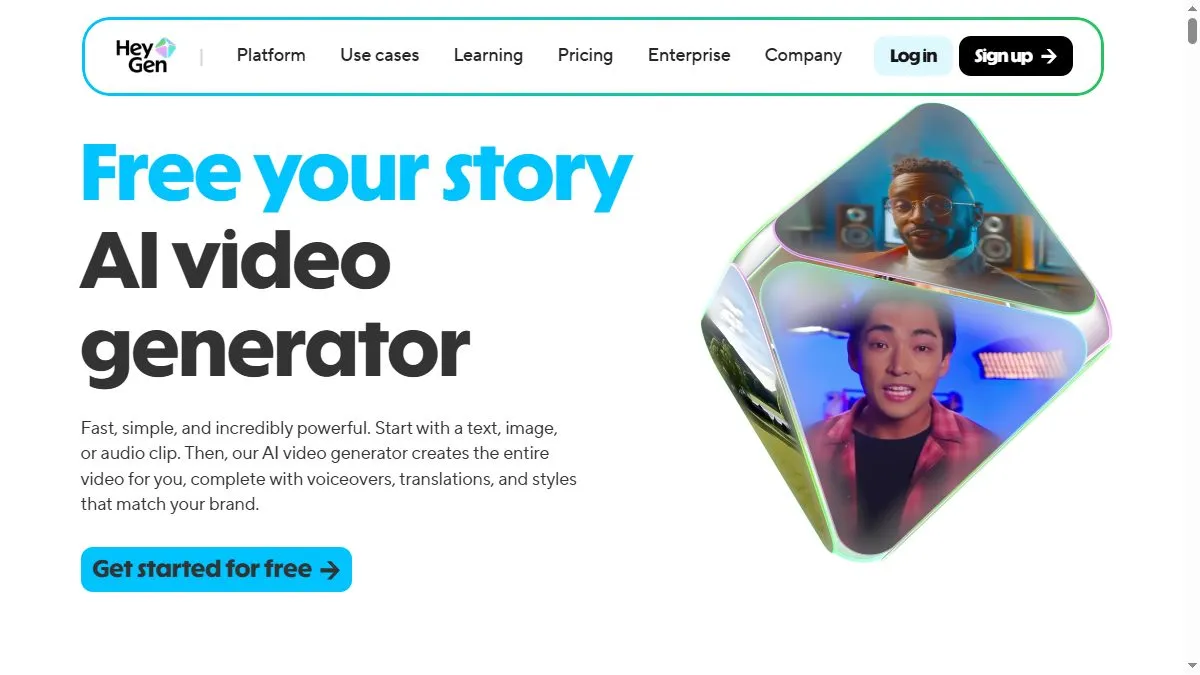
HeyGen combines text-to-speech, face animation, and multi-avatar technology to produce professional videos quickly. Users can choose from dozens of realistic avatars, record custom voices, or upload scripts to generate videos in multiple languages. The platform also allows voice cloning and lip-sync accuracy for brand spokespersons or training materials. HeyGen’s Studio lets teams create scenes, add background music, and overlay subtitles. Integrations with marketing and LMS tools make it useful for onboarding, product demos, or localized ads. It’s particularly known for its high-quality avatars and fluid mouth movements that make AI-generated videos feel authentic.
How to use HeyGen
Visit heygen.com, sign up, and select a video template or start blank. Pick an avatar and voice, then enter your script. Adjust gestures, camera framing, and backgrounds using the editor. You can generate the full video in minutes and export or share it directly. Premium users can clone their own voice or face for personalized content. Teams often use HeyGen for sales pitches, internal announcements, or educational modules.
What is HeyGen
HeyGen simplifies professional video production with AI avatars. It lets anyone create engaging, multilingual videos in minutes—no filming required. By merging realism and scalability, HeyGen empowers creators and companies to communicate visually with minimal cost and effort.
Video about HeyGen
HeyGen Trends
Reviews
Voice plus avatar works
I record a short clean sample in a closet to kill echo. The clone sounds way better than the room mic.
Keep sentences short
Short lines avoid weird cadence. I also trim filler words in the script before upload.
Brand kit keeps it consistent
Fonts, colors, and logo loaded in once. Every video feels on brand without extra clicks.
Rendering queue be slow
Evenings get crowded. I schedule renders early morning and it flies.