Synthesia
Overview of Synthesia
How to use Synthesia
Open a template or start blank, paste your script, pick an avatar and language/voice, and set layout and background. Use scene-by-scene controls to add callouts, screen captures, or B-roll; generate a preview, then iterate on pacing and pronunciation. When tone or terminology matters, save brand rules and pronunciation dictionaries for reuse. For global rollouts, duplicate a project and swap languages/VOs while keeping visuals intact. Starter/Creator plans cover most solo/team needs; Enterprise adds SSO, governance, and larger scale. If you just want a feel, generate a free one-off sample on the site before committing.
What is Synthesia
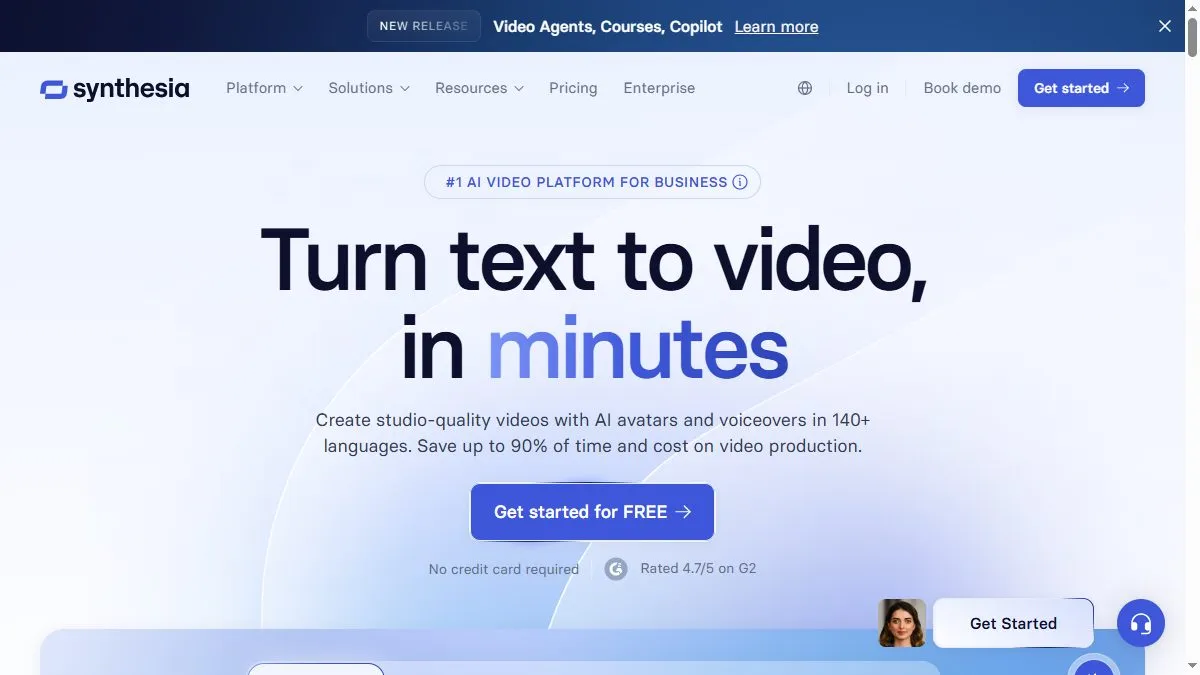
Synthesia is an AI video platform optimized for business comms—training, how-tos, onboarding, announcements—where a consistent on-screen presenter, quick edits, and multi-language delivery beat bespoke filming. It abstracts away cameras, studios, and casting while giving organizations predictable avatars, voices, and templates. As part of a modern content stack, it pairs well with documentation and LMS tools: write once, localize many times, and keep updates cheap as scripts evolve.
Video about Synthesia
Synthesia Trends
Reviews
Make the avatar breathe
Short sentences and commas where a human would pause. Upload SRT instead of relying on auto. The read feels natural.
Brand kit locked in
I load font and colors and export MP4 plus a separate SRT for LMS. Fix rare mispronunciations by rewriting the word phonetically.
Avoid talking head fatigue
Swap to slides or b roll every 6 to 8 seconds. Keeps attention up without changing the script.
Multilingual sanity check
For names and acronyms I test out loud first. If it stumbles, I rephrase the line. Saves a retake.