Veed.io
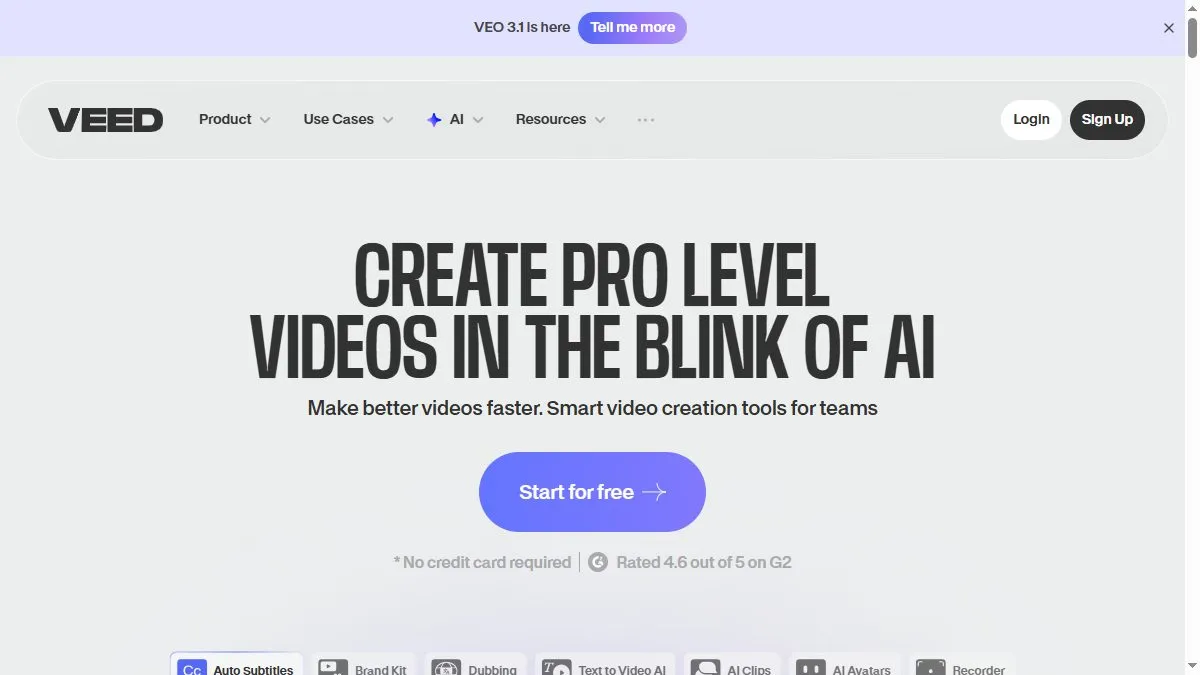
Overview of Veed.io
The product caters to social and marketing teams: turn text ideas into draft videos, add auto-subtitles in one click, remove filler words, translate/dub into multiple languages, and drop in an AI avatar when you need a presenter. Brand Kits keep fonts/colors consistent, and collaboration features support comments and shared workspaces. Public pages highlight 4M+ users, strong mobile apps for on-the-go edits, and ‘no credit card’ onboarding. Compared with pure generators, VEED balances creation and classic editing—so you can start with AI, then fine-tune on a timeline, host the finished video, and embed it without leaving the platform.
How to use Veed.io
Open a new project and either paste text to generate scenes or import footage. Run Auto Subtitles, clean up with Filler Word Removal, and use AI Translate/Dubbing to localize. If you need a presenter, pick an AI avatar and set the script; otherwise, keep B-roll and captions as the focus. Use the Brand Kit to apply fonts/colors, then export or host with VEED’s player. For repeat series, duplicate projects as templates so intros/outros and lower thirds stay consistent across episodes.
What is Veed.io
VEED is a pragmatic all-in-one for short-form video: it compresses scripting, edits, captions, localization, and publishing into one browser tab. It’s perfect when you need to ship lots of social content with consistent branding and minimal hand-offs. While it won’t replace a pro NLE for complex composites, the AI tools get you 80% of the way in minutes, and the timeline/hosting finish the last mile.
Video about Veed.io
Veed.io Trends
Reviews
Captions that do not drift
Auto captions are decent but I always upload my own SRT when timing matters. Export looks cleaner.
Templates need a touch
I swap fonts and spacing right away. Ten minutes and it stops looking like a template.
Good for quick cuts
I rough cut in Veed and finish color elsewhere. Keeps the browser snappy.
Social exports are painless
The presets for sizes save me from manual crops. Nice little time saver.