Descript
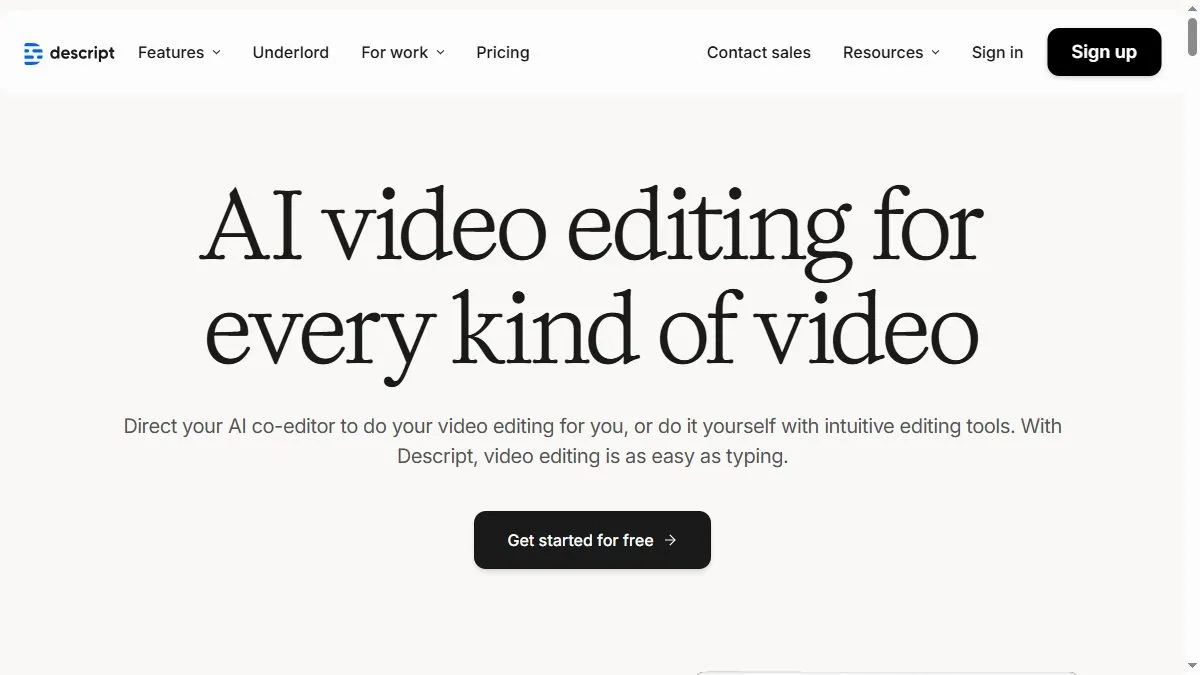
Overview of Descript
Descript turns recorded content into editable transcripts that directly control the media timeline. You can delete filler words, fix mistakes, and rearrange clips simply by editing text. The Overdub feature allows you to clone your voice and generate new narration naturally. Descript also includes powerful video tools—multicam editing, screen recording, subtitles, and AI-based filler word removal. Collaboration features let teams comment, version-control, and publish to social platforms easily. The platform integrates with tools like Zoom, Riverside, and YouTube, making it an end-to-end media creation solution.
How to use Descript
Install Descript or use the web app, import your audio or video, and wait for the automatic transcription. Edit text to trim or rearrange content. Add Overdub for voice corrections or AI-generated narration. You can enhance visuals using templates, transitions, and captions. Once done, export in HD or publish directly to YouTube or social media. Descript supports team collaboration through cloud sync and shared projects.
What is Descript
Descript transforms content editing by treating media like a document. It merges transcription, editing, and AI narration in one tool, saving creators hours of post-production. For podcasters, marketers, and educators, Descript is a modern studio in one platform.
Video about Descript
Descript Trends
Reviews
Edit like a doc
Deleting text cuts the audio, which is wild the first time. Overdub fixes small flubs without re recording.
AI cleanup is solid
Studio Sound kills room noise better than my old chain. I still notch out harsh S sounds a touch.
Captions in one go
Transcript, captions, and social snippets from the same project. Saves a lot of context switching.
Overdub names smartly
For tricky names I type the phonetic spelling. It reads clean on the first export.