Pictory
Overview of Pictory
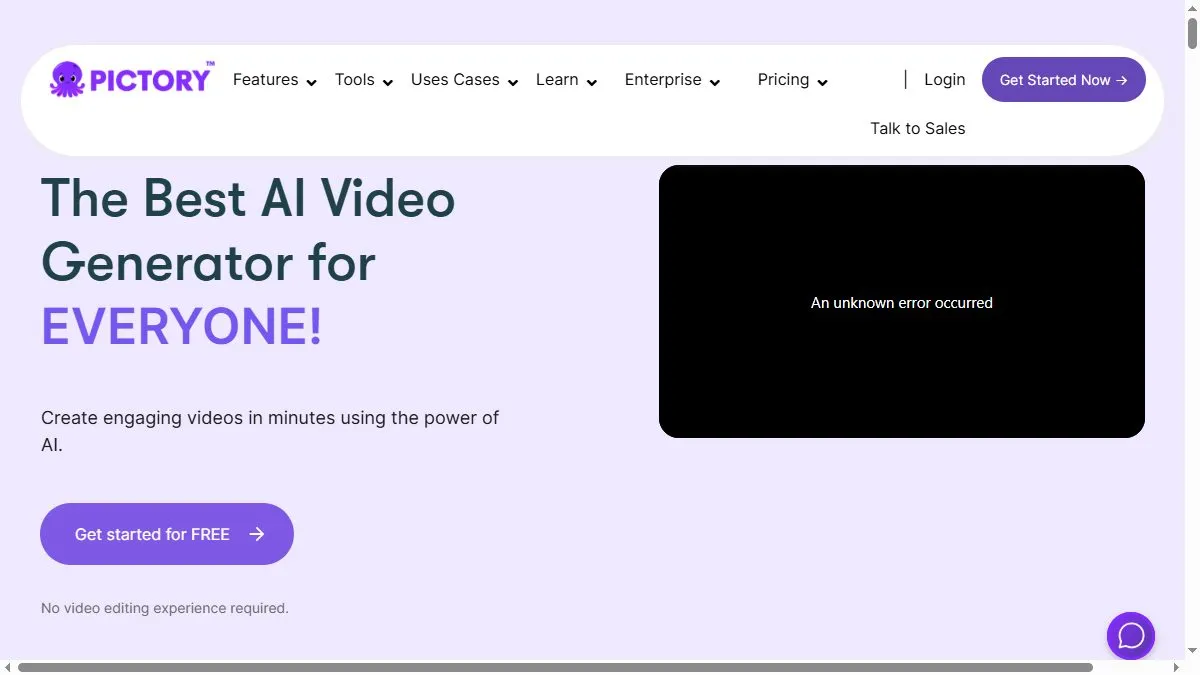
The platform is built around input flexibility: paste a script, drop in a blog URL, or even upload a slide deck and let Pictory assemble scenes with matched visuals, music, and narration. Transcript-based editing makes trimming fast—delete words, cut the scene. Voice options include high-quality models like ElevenLabs for natural delivery, and brand presets help standardize fonts, colors, and lower thirds. There’s also an API for teams that want to programmatically convert articles to videos at scale. For social managers and lean marketing teams, the combination of script→video automation, voice quality, and transcript editing keeps production times measured in minutes, not days.
How to use Pictory
Choose ‘Text to Video,’ ‘URL to Video,’ or ‘Edit Videos using Text.’ Provide your script or link, select a style and voice, and generate a first cut. Review the transcript, delete filler phrases to trim scenes, swap visuals from the stock library, and tweak captions/brand elements. If a blog has many sections, create chaptered cuts for different channels. When an asset works, export in platform-specific formats and save the project as a template for the next campaign. If you need to automate, explore the API to batch convert content like blog posts or support articles into short videos.
What is Pictory
Pictory is a text-driven video creator that compresses scripting, assembly, narration, and captioning into a single workflow. It’s aimed at teams who repurpose articles or scripts into social-ready clips and want sensible defaults that still allow brand polish. Compared with avatar-centric tools, Pictory focuses on narration over presenters, leaning on good voices, stock visuals, and transcript edits to produce watchable, on-brand explainers and promos with minimal friction.
Video about Pictory
Pictory Trends
Reviews
Trim auto scenes
I cut duplicates and set about 0.75 second overlaps so the voiceover does not feel choppy.
Tune the captions
Auto captions are fine but brand names need a pass. Music around minus 18 LUFS keeps the voice clear.
Preset and forget
Once the brand preset is set, I stop tweaking every video. The output stays consistent and I move faster.
Fix visual repeats
If it keeps picking the same b roll, I change a couple keywords and re run. Variety improves a lot.