Superhuman AI
Overview of Superhuman AI
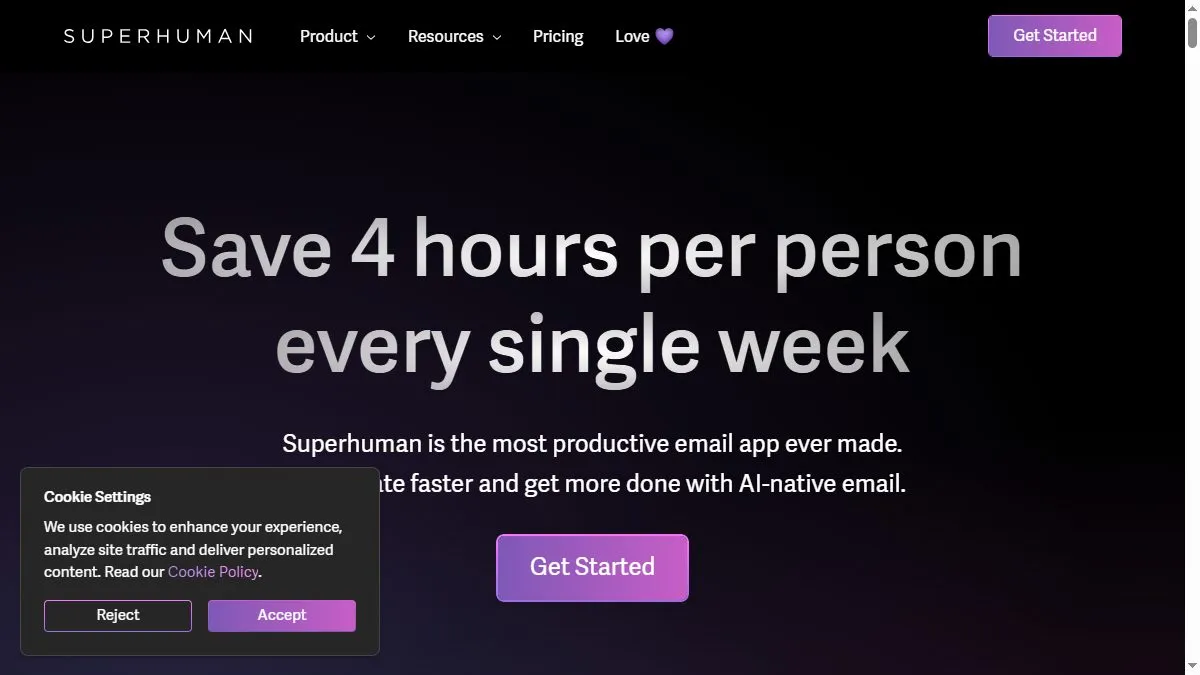
The AI engine drafts replies by analyzing context from previous messages, suggests concise summaries, and rewrites text for tone or brevity. It supports commands like ‘Summarize this thread,’ ‘Reply with gratitude,’ or ‘Decline politely,’ producing results that mirror the user’s communication style. Combined with Superhuman’s existing keyboard shortcuts and minimal interface, it reduces inbox time drastically. For teams, AI drafting and scheduling maintain consistent tone across client-facing communication while cutting email volume by half.
How to use Superhuman AI
Press Cmd+K (or Ctrl+K) to open the AI command bar. Choose ‘Summarize,’ ‘Compose reply,’ or ‘Rewrite.’ Review the suggestion, edit if necessary, and send. Set tone preferences in settings to control formality. Use AI summaries to triage long threads before meetings. For repetitive replies, create saved prompt templates for faster use.
What is Superhuman AI
Superhuman AI blends speed, precision, and empathy in email communication. It turns writing into a one-key action—ideal for professionals who value responsiveness without sacrificing quality or tone.
Video about Superhuman AI
Superhuman AI Trends
Reviews
Replies in my voice
Short polite drafts that sound like me. I tweak and send in seconds.
Triage is eerily good
Important gets pinned, noise gets archived. Inbox zero feels possible again.
Calendar handoff
Proposes times that actually fit my week. Fewer back and forths.
Keyboard shortcuts heaven
The AI is nice, but the speed from shortcuts is the real hook.