Motion
Overview of Motion
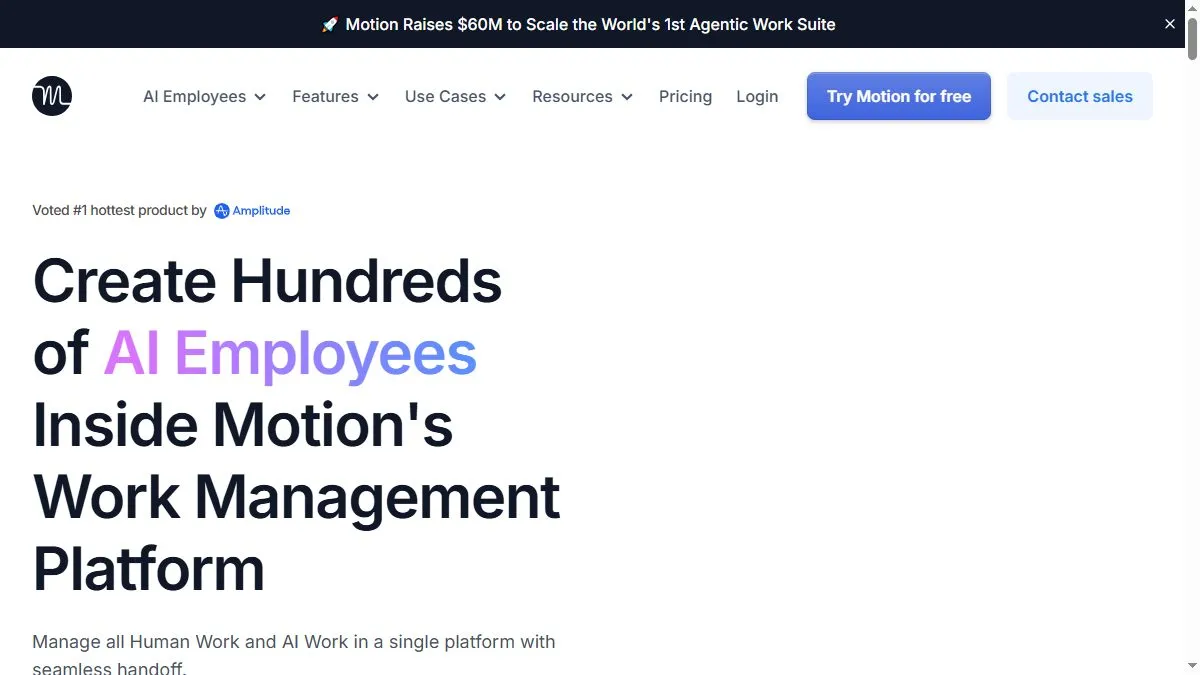
Motion merges task management with intelligent scheduling. You add projects and priorities, and the AI automatically allocates time slots, reschedules when conflicts arise, and adjusts as new meetings appear. It syncs with Google and Outlook calendars and provides analytics on focus time vs. meetings. For teams, shared workspaces coordinate dependencies automatically. The AI continuously learns work patterns to create optimized, realistic schedules that adapt daily.
How to use Motion
Connect your calendar, import tasks manually or via integrations (ClickUp, Jira, Asana), and set deadlines. The AI generates an optimized daily schedule. Review it in the dashboard, drag tasks to reorder priorities, and Motion will rebalance future days. Enable Focus Mode for distraction-free sessions. Check reports weekly to see productivity trends and identify overloads.
What is Motion
Motion is a time-optimization platform that transforms static task lists into living schedules. It’s ideal for teams juggling many deadlines—AI ensures the right work happens at the right time, reducing stress and missed tasks.
Video about Motion
Motion Trends
Reviews
Calendar that fights back
It reschedules when stuff explodes and still protects focus blocks. Sanity saver.
Set buffer time
Default gaps were tight. I added 10 minutes between tasks and it stopped domino falls.
Recurring tasks need care
Too many rules get messy. I keep a few and adjust weekly.
Focus mode is legit
One click hides noise and I actually finish things. Worth it.