Trello AI
Overview of Trello AI
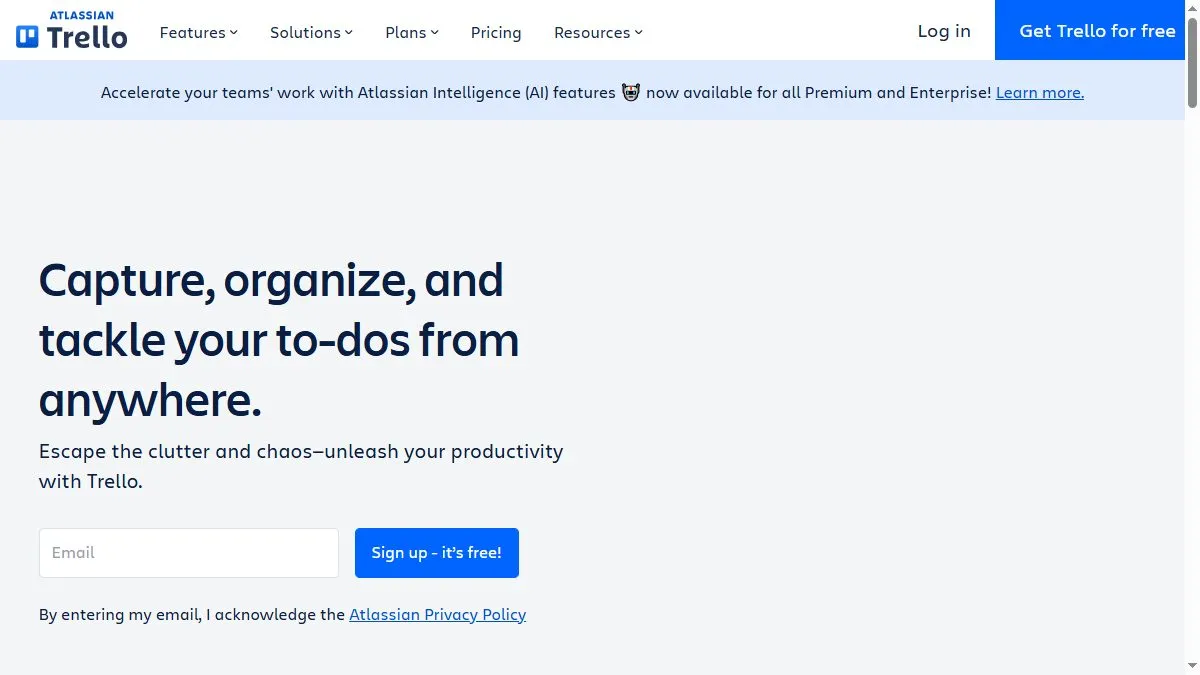
Trello AI uses natural language processing to interpret task descriptions and automate repetitive work. It can generate summaries of long comment threads, suggest next steps based on deadlines, and auto-categorize tasks into lists. Butler automation—now AI-enhanced—predicts recurring actions, like moving cards when conditions are met or creating checklists from task details. For managers, AI summaries of project progress help visualize workload distribution and bottlenecks instantly. This smart layer transforms Trello from a passive board into an adaptive project assistant.
How to use Trello AI
Activate the AI features or Butler automations in your workspace. Create a board and add cards as usual, then click ‘Ask AI’ to summarize or break down tasks. Enable automations such as ‘When a card is added, assign a due date’ or ‘Move completed cards to Done automatically.’ Use AI summaries to brief teammates before stand-ups. The system learns from recurring patterns and refines future recommendations.
What is Trello AI
Trello AI is a productivity enhancer built into one of the most popular visual task managers. By combining automation, summaries, and prioritization, it helps teams move faster with less manual organization—making project planning feel effortless.
Video about Trello AI
Trello AI Trends
Reviews
Auto summaries per card
Long comment chains collapse into a few lines. New folks get up to speed faster.
Checklists from text
Paste a paragraph, hit generate, and you get a ready checklist. I reorder a bit.
Board feels heavy with power ups
We disabled a couple and it sped up. The AI still works fine.
Labels stay consistent
It suggests labels based on text. Less manual tagging, fewer mistakes.