Magical AI
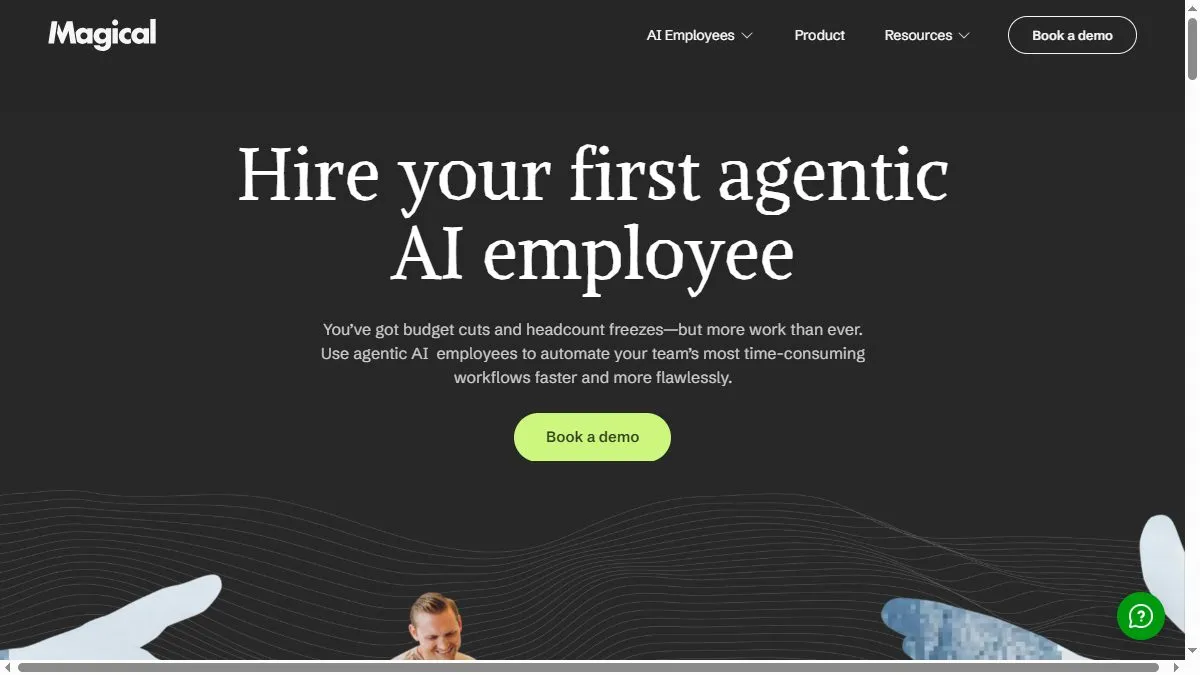
Overview of Magical AI
Using context from open browser tabs, Magical can extract data, fill fields, and move information between tools like LinkedIn, Gmail, and Sheets. Its AI learns your patterns and suggests shortcuts to automate future steps. For example, it can auto-fill outreach templates using scraped profile data or sync customer notes to CRM fields. Unlike typical macro tools, Magical uses AI reasoning to understand intent, not just keystrokes. Teams use it to cut manual browser work by 50% while maintaining data accuracy.
How to use Magical AI
Install the Chrome extension, open the dashboard, and record a repetitive workflow (like copying names into a CRM). Then, describe the task in plain English (‘Add this candidate to HubSpot’), and Magical will replicate it automatically. Create reusable playbooks and share them across the team. Review the analytics dashboard for time saved and success rate.
What is Magical AI
Magical AI is a no-code automation assistant for the browser. It makes repetitive online workflows hands-free by learning from your actions, turning routine data work into one-command automation.
Video about Magical AI
Magical AI Trends
Reviews
Text expanders that stick
I build snippets for common replies with variables. Support tickets fly by.
Scrape into sheets
Select on a page and push to a Google Sheet. Works for simple lists.
Complex layouts trip it up
Nested tables need manual tweaks. Still faster than copy paste.
Great for repeated forms
Snippets fill CRM fields reliably. I barely touch the mouse.