ClickUp AI
Overview of ClickUp AI
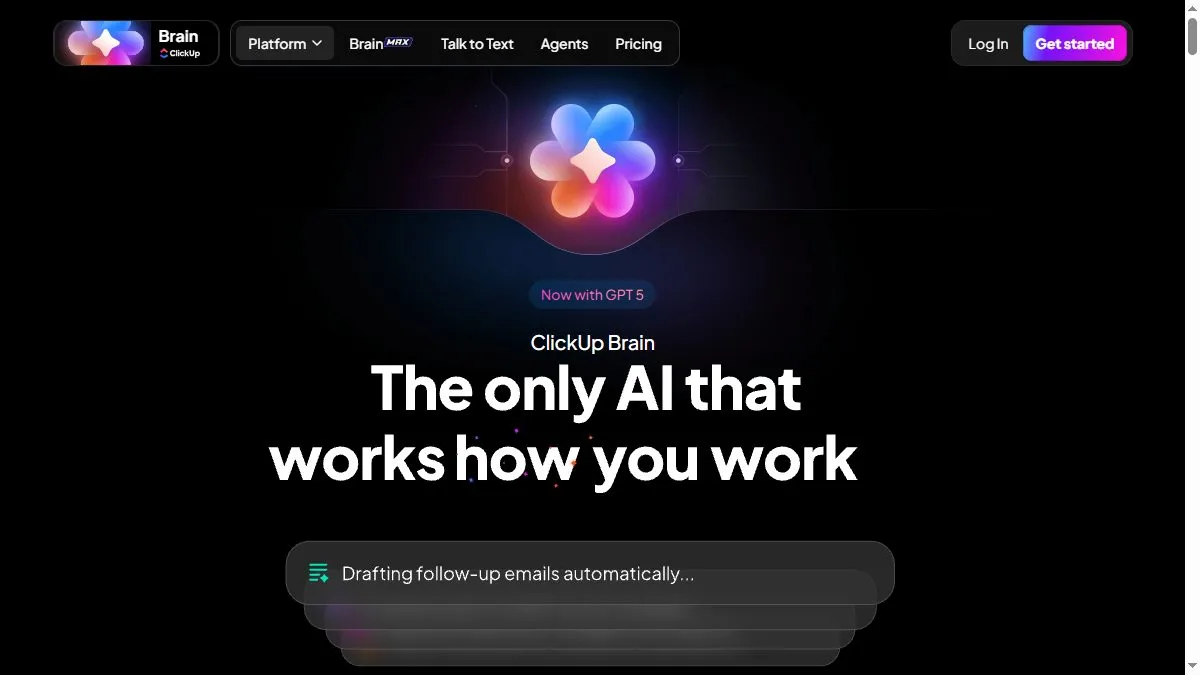
ClickUp AI is context-aware—it knows whether you’re in a Doc, Task, or Chat and adjusts prompts accordingly. It can summarize comments, turn meeting transcripts into action items, or generate SOPs from past tasks. The writing assistant produces emails, proposals, or blog outlines in customizable tones. Admins can control access and audit AI activity for compliance. Because it’s integrated into ClickUp, all data stays within your workspace security perimeter, reducing the risk of leaks common in third-party AI tools.
How to use ClickUp AI
Enable AI from Settings, open a Doc or Task, and click the AI icon. Use built-in prompts like ‘Summarize this,’ ‘Create next steps,’ or ‘Write an update.’ Customize the result and save to your workspace. In meetings, import notes and ask AI to extract decisions. Use it across spaces for repetitive writing or planning tasks. Monitor output quality and adjust prompt styles for your team.
What is ClickUp AI
ClickUp AI is a productivity amplifier for organizations that live inside ClickUp. It saves hours by automating summaries, drafts, and documentation, turning project updates into clear communication instantly—all without leaving your task board.
Video about ClickUp AI
ClickUp AI Trends
Reviews
Task briefs from chaos
Paste Slack thread, ask for action items. It spits a tidy checklist.
Docs to tasks
I highlight bullets and turn them into tasks with owners. Fewer lost notes.
Heavy spaces lag
Big workspaces feel slow. Keeping docs lean helps.
Meeting recaps that stick
The summary plus next steps is actually useful. We ship faster.