Quickchat AI
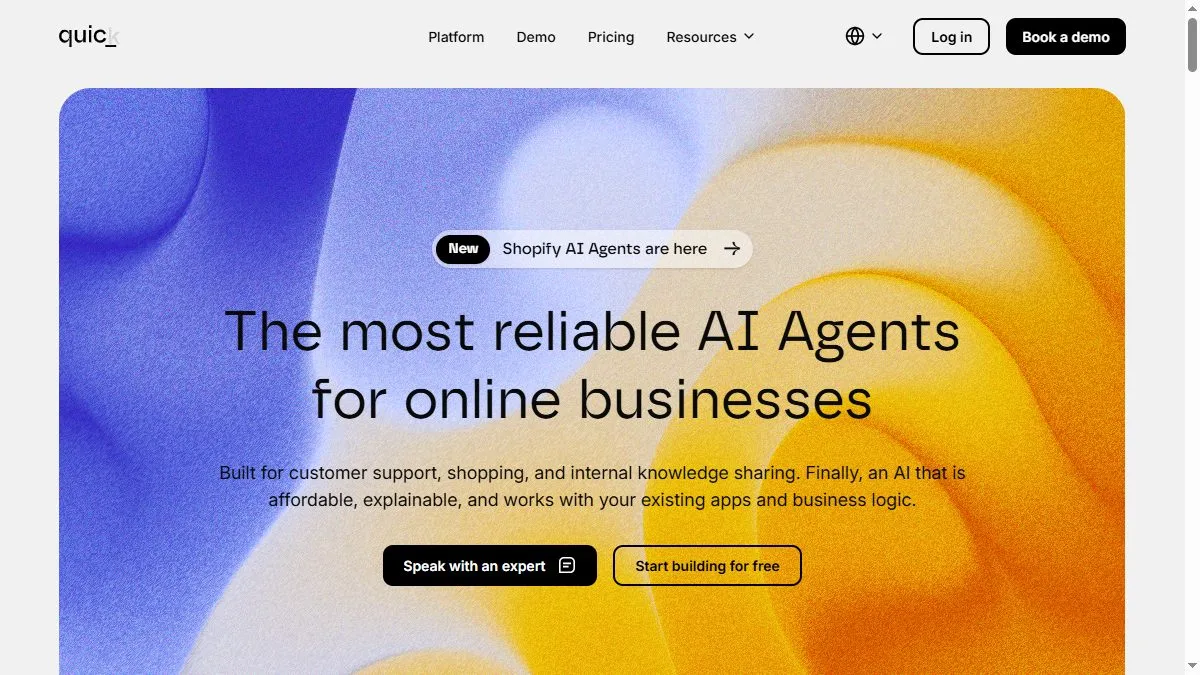
Overview of Quickchat AI
Quickchat’s strength is its ability to blend general conversation with brand-specific knowledge. You upload your content (FAQs, manuals, or docs), and the AI answers naturally while pulling real information. It integrates via widget, API, or CRM connectors, making setup easy for non-technical teams. The dashboard tracks user sessions, language distribution, and conversion metrics. Enterprise plans offer fine-tuned models, data privacy, and multi-agent routing. Compared with static bots, Quickchat feels more conversational and adaptive, reducing support costs and response time.
How to use Quickchat AI
Create a workspace, add your company information, and upload reference content (PDFs, URLs, or FAQs). Configure languages and tone, then embed the chat widget on your site or app. Test sample conversations and adjust answers using the training dashboard. Connect to your CRM for lead capture. Review weekly analytics to refine responses or upload new documents as your knowledge base evolves.
What is Quickchat AI
Quickchat AI is a ready-to-use conversational assistant that combines natural dialogue with domain expertise. It replaces rigid chatbots with contextual, multilingual interactions that actually understand users—ideal for support, onboarding, and sales automation.
Video about Quickchat AI
Quickchat AI Trends
Reviews
FAQ import saves hours
I drop docs and it answers the obvious stuff right away. Deflects tickets.
Escalation rules are key
If confidence is low, it routes to a human. Customers do not get stuck.
Multilingual win
We added Spanish answers and got fewer copy paste tickets overnight.
Analytics could go deeper
Useful, but I still export to a sheet for trends.