Airtable AI
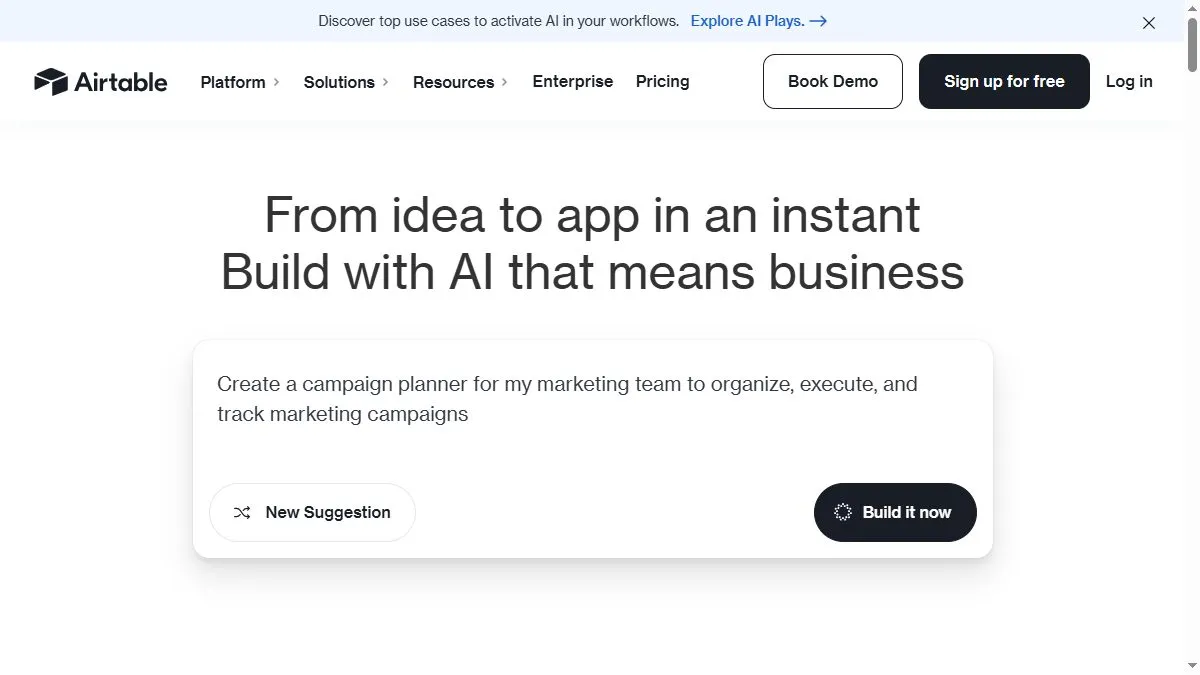
Overview of Airtable AI
The AI assistant helps users clean up text, write summaries, and even auto-generate new records based on patterns in existing data. It can write formulas, tag entries, and translate text fields automatically. You can use AI Blocks to summarize survey responses, classify feedback, or extract key metrics from campaign data. In the Interface Designer, AI adds context-aware summaries, allowing dashboards to narrate their own results. For large organizations, Airtable AI transforms static databases into living, conversational systems that understand business logic.
How to use Airtable AI
Open your base, enable the AI block, and choose from available actions such as summarizing, tagging, or generating. Use AI formulas inside fields (e.g., ‘Summarize this feedback’) or automate outputs with workflows. Combine with automations to send AI-generated reports to Slack or email. Refine prompts directly in the field description to tune results to your use case.
What is Airtable AI
Airtable AI makes structured data conversational. It turns databases into intelligent collaborators that write summaries, suggest trends, and automate repetitive analysis—making complex workflows simple to understand and act on.
Video about Airtable AI
Airtable AI Trends
Reviews
Classify and dedupe records
One click labeling for messy imports, then dedupe suggestions. Clean base, happy team.
Generate summaries per row
I roll up scattered notes into a readable summary field. PMs actually read it.
Interfaces plus AI is slick
We built a small QA app with buttons that run prompts. Non devs love it.
Beware token limits
Long fields get truncated. I chunk text and it behaves.