Otter.ai
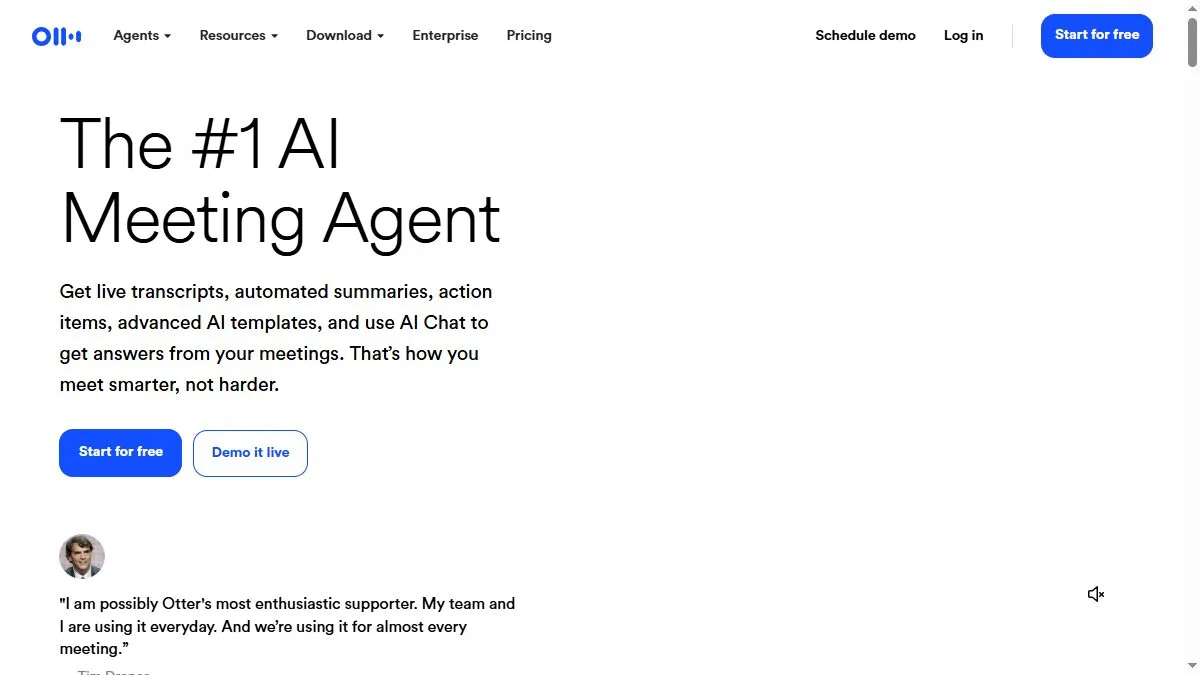
Overview of Otter.ai
Otter transcribes with high accuracy using speaker recognition and punctuation AI. You can highlight key moments, add comments, and generate automatic summaries. Integrations allow Otter to join calls automatically and share notes with attendees afterward. Team features include searchable archives and shared folders. The latest update introduced OtterPilot, which records meetings, summarizes key points, and emails action items instantly. For hybrid teams, Otter reduces note-taking stress and ensures no details are missed.
How to use Otter.ai
Install the Otter Chrome extension or app, connect calendar and conferencing tools, and enable OtterPilot. It will auto-join meetings, record, and transcribe. Afterward, review highlights, edit transcripts, and export summaries. Tag speakers to improve accuracy over time. Sync notes to project tools like Notion or ClickUp if needed.
What is Otter.ai
Otter.ai is a meeting memory system for modern teams. It captures, structures, and shares conversations automatically, turning discussions into searchable, actionable data. It’s indispensable for busy professionals who want to stay present during meetings while preserving every detail.
Video about Otter.ai
Otter.ai Trends
Reviews
Meeting notes without the pain
I record in the browser and tag speakers live. The auto action items are 80 percent right out of the box.
Share the link, done
Dropping the live link in chat gets everyone on the same page. Search later actually finds stuff.
Accents are mostly okay
Heavy accents need a cleanup pass. I correct names and it learns fast.
Calendar integration helps
It joins the call on time and titles the note correctly. Small thing, big time saver.