Artbreeder
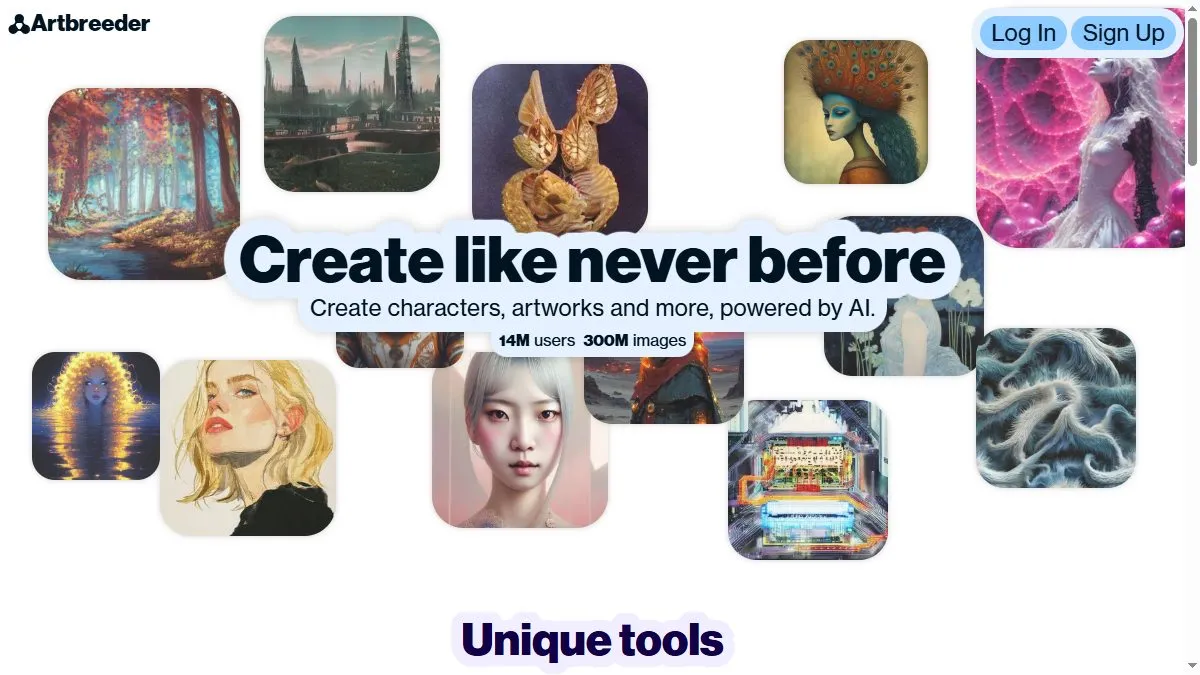
Overview of Artbreeder
Artbreeder’s core idea is interactive mixing: you start from a base (or several) and adjust genes—age, mood, color, style—until a new image emerges that feels like your own. Over time it added editing tools such as in-paint (mask an area and prompt a change) and instruct-style edits for semantic tweaks, making it easier to fix details without leaving the site. New model updates in 2025 focus on ‘prompter image editing’ to refine or re-imagine results, while community stats (millions of images) mean you can fork others’ work and evolve it. For concept artists and game devs, it’s a fast way to iterate on NPCs, creatures, and worlds with granular control.
How to use Artbreeder
Create an account and browse categories (portraits, characters, landscapes) to pick a starting point. Use the gene sliders to push the look toward your target—try subtle moves first, then branch new versions. When you hit a near-miss, open in-paint: mask a problem area (eyes, background), describe the change, and apply; use instruct edits for broader adjustments. Save versions frequently so you can backtrack, and keep a folder per character/style. When you’re satisfied, export for your pipeline (storyboards, moodboards, or as a base for paint-over). The more you remix others’ work and share back, the more raw material you’ll have for future ‘breeds.’
What is Artbreeder
Artbreeder is a community laboratory for generative imagery—half editor, half evolutionary playground. Instead of crafting a single prompt, you iteratively steer images via genes and selective edits, discovering looks you might not have imagined up front. It’s less about photoreal product shots and more about exploration: characters with personality, painterly scenes, hybrid creatures. That exploratory bias, plus approachable tools for fine control, makes it a favorite for world-building, indie game art passes, and visual experiments where happy accidents are part of the process.
Video about Artbreeder
Artbreeder Trends
Reviews
Lock core genes first
I lock age and gender, randomize the rest, then tweak eyes and brow. Small film grain in post reduces the uncanny look.
Lock key genes first
I lock age and gender, randomize the rest, then tweak eyes and brow. A bit of film grain in post reduces the uncanny look.
Collage mode for layouts
Block big shapes, then crossbreed for detail. It is quick for level drafts.
Collage mode for environments
Block big shapes, then crossbreed for detail. It is fast for level drafts without getting stuck in micro stuff.
Redraw key bits for clients
Commercial use is fuzzy, so I redraw important elements before delivery. Sign off is easier.