Stockimg AI
Overview of Stockimg AI
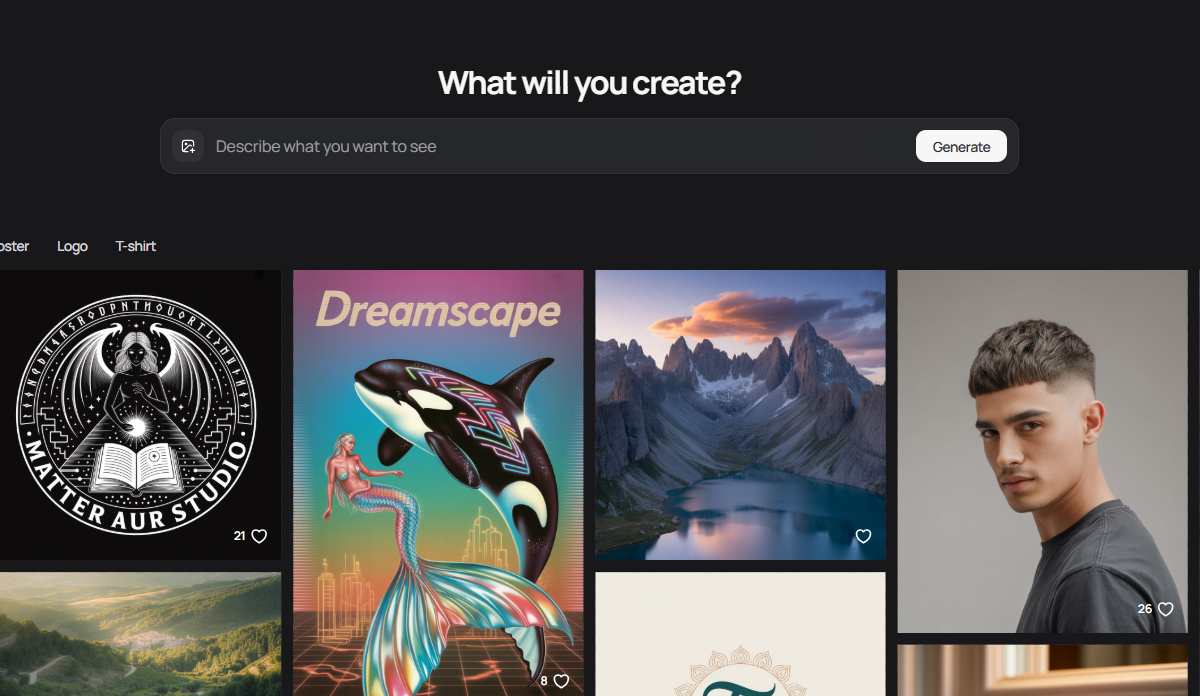
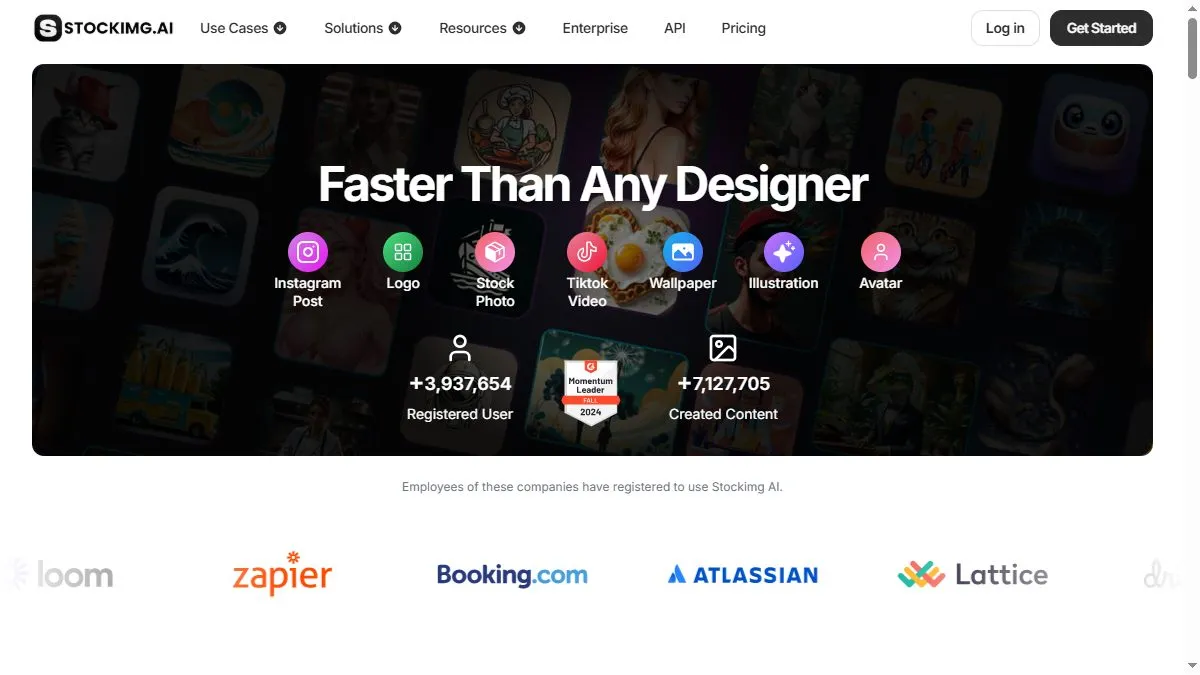
Stockimg aims to compress ideation and production: pick a category (Logo/Poster/Book Cover/Stock Photo), choose a template or start blank, enter your prompt and brand cues, then generate multiple options. The platform leans into marketing workflows with a Social Media Manager for post generation/scheduling and a visual calendar, while blog and community updates detail ongoing model and infrastructure optimizations for faster, higher-quality results. For small teams that need lots of lightweight graphics and don’t want to stitch together five different tools, this ‘one surface for many formats’ approach is the appeal—and the API lets developers bake the same flows into their apps.
How to use Stockimg AI
Open stockimg.ai and select the asset type you need. If you’re creating a logo or cover, browse templates to anchor layout, then add a concise prompt with style descriptors and any brand constraints; generate a set, shortlist 2–3 favorites, and iterate with small prompt edits to tighten typography/composition. For social posts, try the Social Media Manager to generate captions and schedule images—use the calendar to plan a week of content in one sitting. If you already have a base image, upload it and use Edit Image to adjust or restyle. Teams that need automation can call the API to mass-generate assets from a spreadsheet of prompts.
What is Stockimg AI
Stockimg AI is a practical, general-purpose design generator—less about pixel-perfect retouching and more about getting passable (often good) creative starting points across many formats fast. It’s especially helpful for indie publishers, ecommerce sellers, and social managers who need variety and volume on a budget. By combining templated layouts, prompt generation, light editing, scheduling, and an API, it fills the gap between single-purpose art bots and heavyweight suites, making everyday content production more repeatable.
Video about Stockimg AI
Stockimg AI Trends
Reviews
Treat outputs as sketches
I export large, rebuild vectors by hand, and keep only the composition and palette. Faster than fixing AI bezier curves.
Sketch first, vector later
Treat the logo output as a sketch. I export large, rebuild paths in Illustrator, and keep only layout and palette. Way faster than fixing warped curves.
Aspect presets for social
I mostly use 4:5 and 9:16. Short, visual prompts work best. Skip the marketing fluff words.
Use aspect presets for socials
4:5 and 9:16 cover most channels. Keep prompts concrete like geometric fox head, not marketing fluff. Cleaner results.
Color sanity check helps
I run the palette through Coolors and swap 1 or 2 hues to match the brand. Small change, big difference in polish.