humaniser.io
Overview of humaniser.io
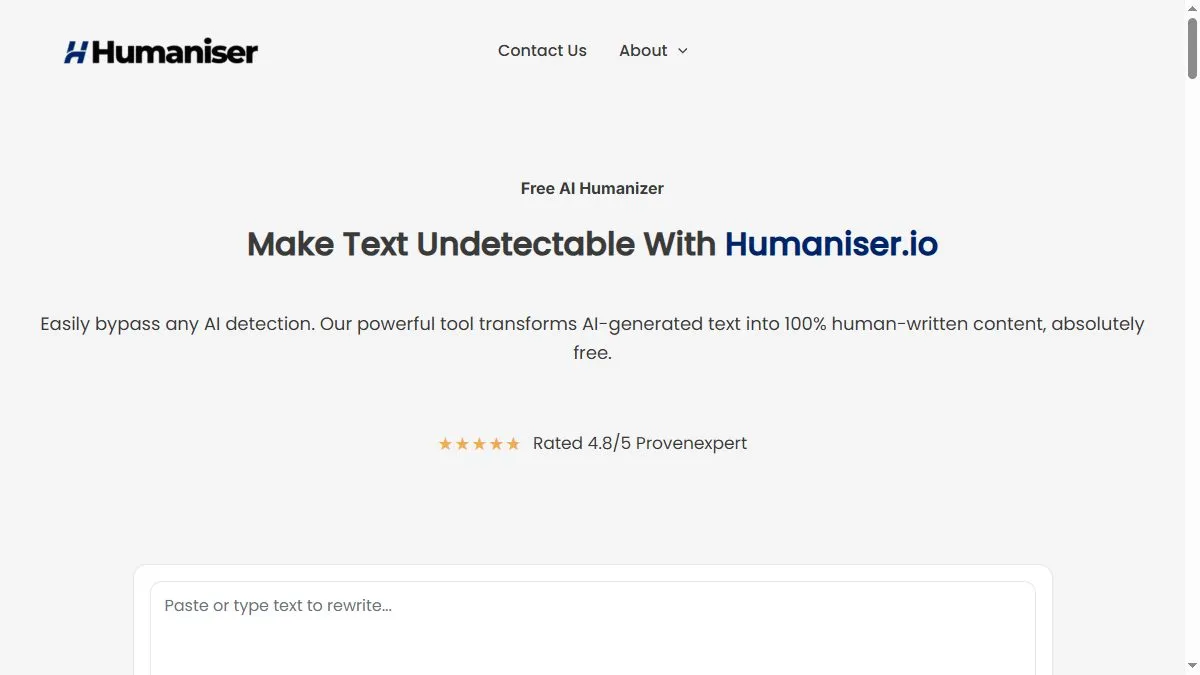
The app focuses on an uncluttered flow: paste text, click to rewrite, and receive a version with varied sentence lengths, colloquial connectors, and fewer obvious telltales (repeated structures, over-formal phrasing); because it runs in the browser with no signup, it’s handy for quick fixes across many snippets in a day, and its messaging stresses readability and authenticity rather than just ‘bypass’—so the rewrite tries to sound like a person’s draft you’d actually share, not just a scrambled paraphrase; many users keep it as a side tab for email replies, statement drafts, and meta descriptions they want to sound less stiff.
How to use humaniser.io
Open the site and paste your text; run a pass and scan for accuracy—if a sentence lost specificity, roll back that sentence and re-run on just the problem area; for long pieces, process in sections (intro, body, conclusion) so you can keep transitions tight; finish by sanity-checking dates, names, and claims against your source doc, then paste the output into your editor for final style and link checks.
What is humaniser.io
Humaniser.io is a lightweight, free humanization layer—its job is to take model-drafted text and add the human touches (cadence, idioms, connective tissue) that make it feel authored; it doesn’t replace fact-checking or brand governance, but it shortens the distance from ‘robotic draft’ to ‘publishable prose’ for people who need fast, no-login cleanup multiple times a day.
Video about humaniser.io
humaniser.io Trends
Reviews
Makes AI copy less stiff
I paste robotic text and it softens it without breaking meaning.
Use light settings
Heavy passes make it too chatty. I keep edits mild and it reads better.
Best for short sections
It shines on intros and CTAs. Long essays feel samey.