writergenerator.ai
Overview of writergenerator.ai
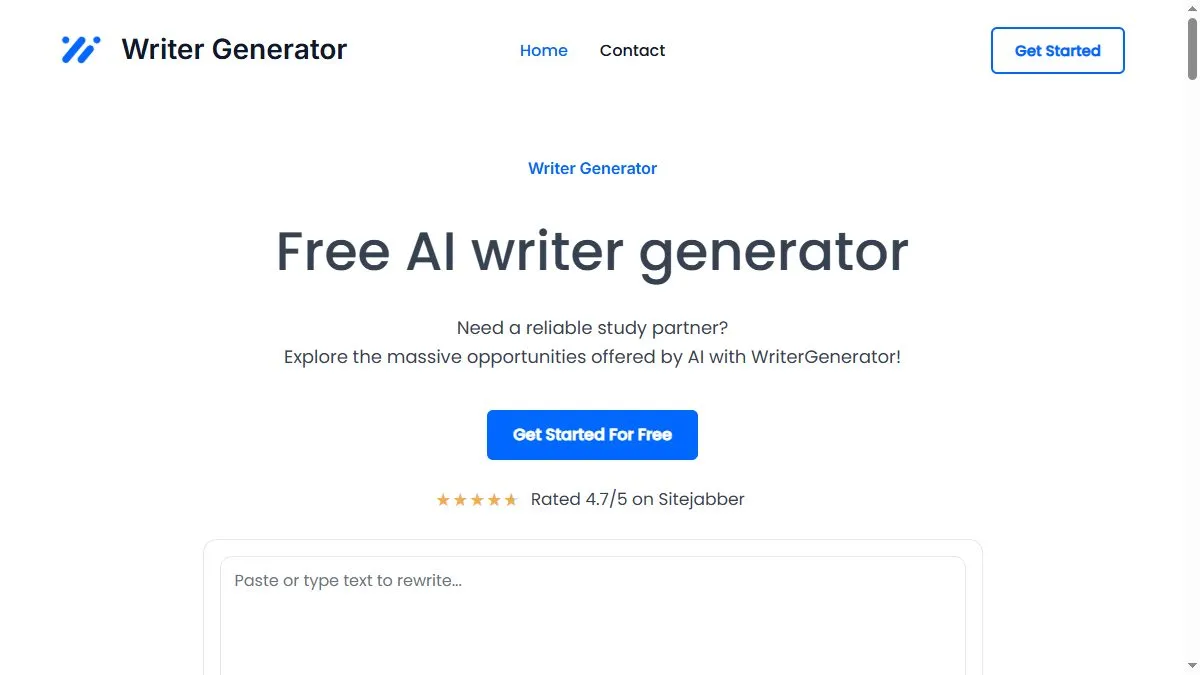
The platform centers on reducing blank-page time: you provide a short brief (topic, audience, goal), pick a template like blog post, product description, or email, and get a structured draft with headlines, transitions, and basic SEO scaffolding; an inline editor then lets you punch up tone, adjust reading level, and iterate section by section so the final copy feels consistent from intro to CTA; teams tend to pair it with a style sheet or brand notes so each run inherits voice, and editors can lock in preferred structures to reuse across similar pages, keeping production predictable even as topics and campaigns change.
How to use writergenerator.ai
Start a new document and paste a short brief (product, benefit, target reader, desired angle), then choose a template to auto-generate an outline; expand each heading into paragraphs, use rewrite/expand on weak sections and add examples or proof points, then export for CMS upload or send to a colleague for final edits; for recurring tasks, save your best prompts and outlines as presets, and keep a small library of approved CTAs and disclaimers to drop into new drafts without hunting through old files.
What is writergenerator.ai
WriterGenerator is best described as a pragmatic AI drafting companion—less a long chain of tools and more a reliable engine for turning prompts into organized, editable copy; it helps small teams and solo creators move faster on routine pages while still leaving room for human judgment, brand nuance, and compliance checks before anything goes live.
Video about writergenerator.ai
WriterGenerator Trends
Reviews
Good for product blurbs
Two or three lines per SKU and it gives me a clean starting point.
Needs direction
If I do not set tone and length, it rambles. With a brief, it is fine.
Decent speed
Not flashy, but quick. I still rewrite headlines by hand.