HyperWrite
Overview of HyperWrite
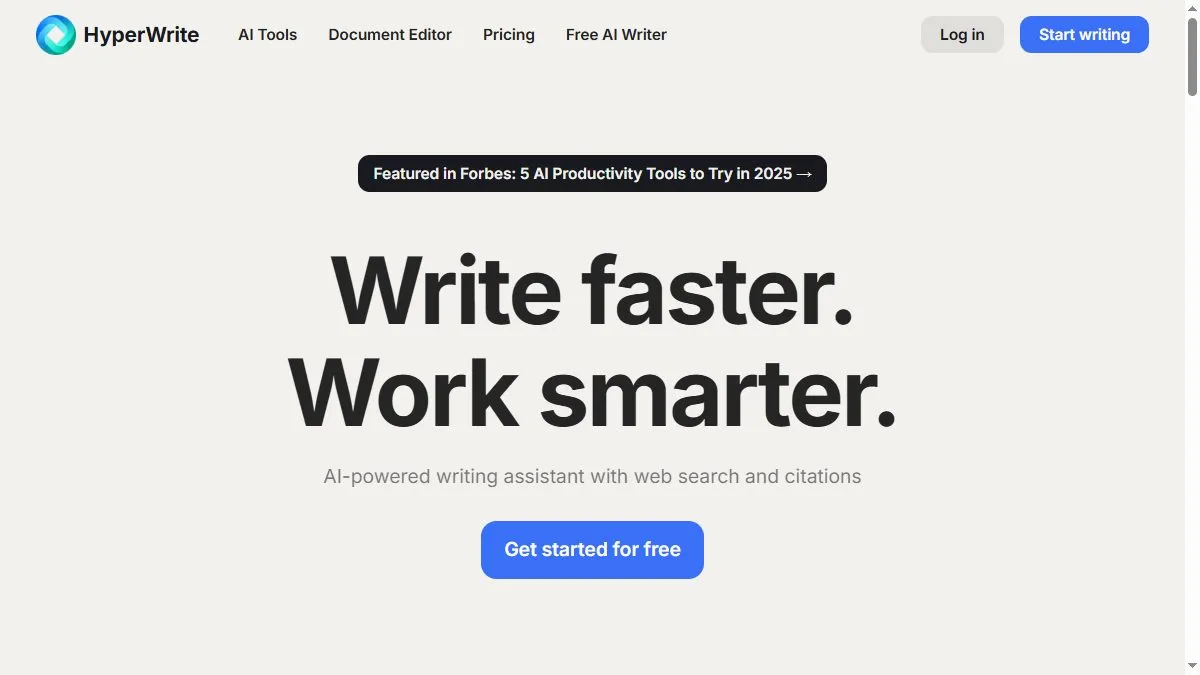
HyperWrite focuses on fluid, in-context assistance. Its Chrome extension monitors the page you’re on and offers context-aware suggestions—from drafting a LinkedIn message to summarizing a PDF. Templates guide common tasks such as outreach emails, blog intros, or product descriptions, and the rewriter helps refine tone without losing meaning. A workspace stores prompts, brand voice, and saved outputs for reuse. Power users lean on AutoWrite to expand bullet points into paragraphs and use the research features to extract facts with citations from multiple sources. The emphasis is speed and continuity: keep browsing while the assistant drafts, rewrites, and organizes text in parallel.
How to use HyperWrite
Install the Chrome extension and sign in at hyperwriteai.com. Open any site with a text field, click the HyperWrite icon, and choose a task: Write with AI, Rewrite, or Summarize. Provide a few bullets or a short brief, then insert or copy results. Use the sidebar to generate long-form sections, store reusable prompts, and set brand voice. For research, highlight text on a page and select Summarize or Ask to pull key points with citations. Iterate quickly: run a rewrite for clarity, then tailor tone to match the platform before publishing.
What is HyperWrite
HyperWrite is an on-page writing copilot that collapses the distance between reading and drafting. By living in the browser, it catches you at the moment of writing—email, forms, CMS editors—and turns sparse cues into polished paragraphs. It’s best for creators who value momentum: quick ideation, clean rewrites, and in-context summaries that keep you moving from tab to publish.
Video about HyperWrite
HyperWrite Trends
Reviews
Good shortcut for outlines
Dropped bullets and a rough angle, got a clean outline plus a not-bad intro. Touched up a few lines and sent it out.
Nice on short copy
Headlines and emails come out crisp. For long stuff I go section by section or it repeats.
Works if you give rules
I add audience, goal, and a word range. That keeps it on track and less generic.
Can drift
Left it on autopilot and it circled the same points. Usable, but needs a steady hand.