ThoughtSpot Sage
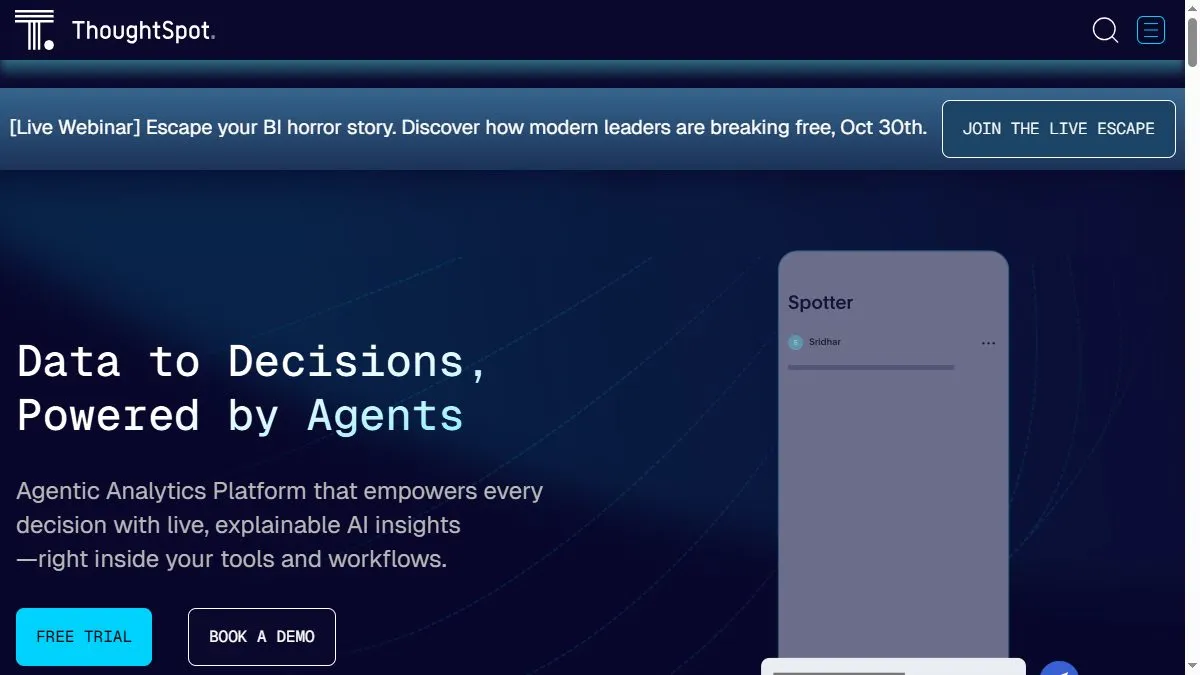
Overview of ThoughtSpot Sage
Sage combines ThoughtSpot’s search-based analytics with generative AI to deliver contextual insights and explanations. Users can type questions like ‘show me top-performing products last month’ and receive interactive charts plus narrative summaries. It integrates with cloud data sources like Snowflake, Databricks, and BigQuery. Sage’s AI assistant can recommend follow-up queries, create visualizations, and generate reports in seconds. It supports secure governance and integrates with Slack, Sheets, and Salesforce. This combination of search and generative AI enables faster, self-service analytics for all users, not just data experts.
How to use ThoughtSpot Sage
Access Sage through ThoughtSpot Cloud and connect your data warehouse. Use the search bar to ask questions in natural language. Review instant visualizations and modify filters as needed. Enable AI explanations for contextual analysis. Export charts to reports or embed them into dashboards. Admins can configure data access and set usage permissions.
What is ThoughtSpot Sage
ThoughtSpot Sage is the conversational layer for analytics—combining search, AI reasoning, and data storytelling. It helps teams make decisions faster by turning raw data into understandable, interactive insights accessible through simple dialogue.
Video about ThoughtSpot Sage
ThoughtSpot Sage Trends
Reviews
Search your warehouse in English
Typed top 10 customers by NRR last month and got the exact table. Drill‑downs were instant.
Liveboards are sticky
Teams pin a few tiles and stop asking for CSVs. Big culture shift.
Modeling still matters
Bad joins = bad answers. Spend time on views and synonyms.
Row security is sane
Works with Snowflake policies. No double config.