Polymer
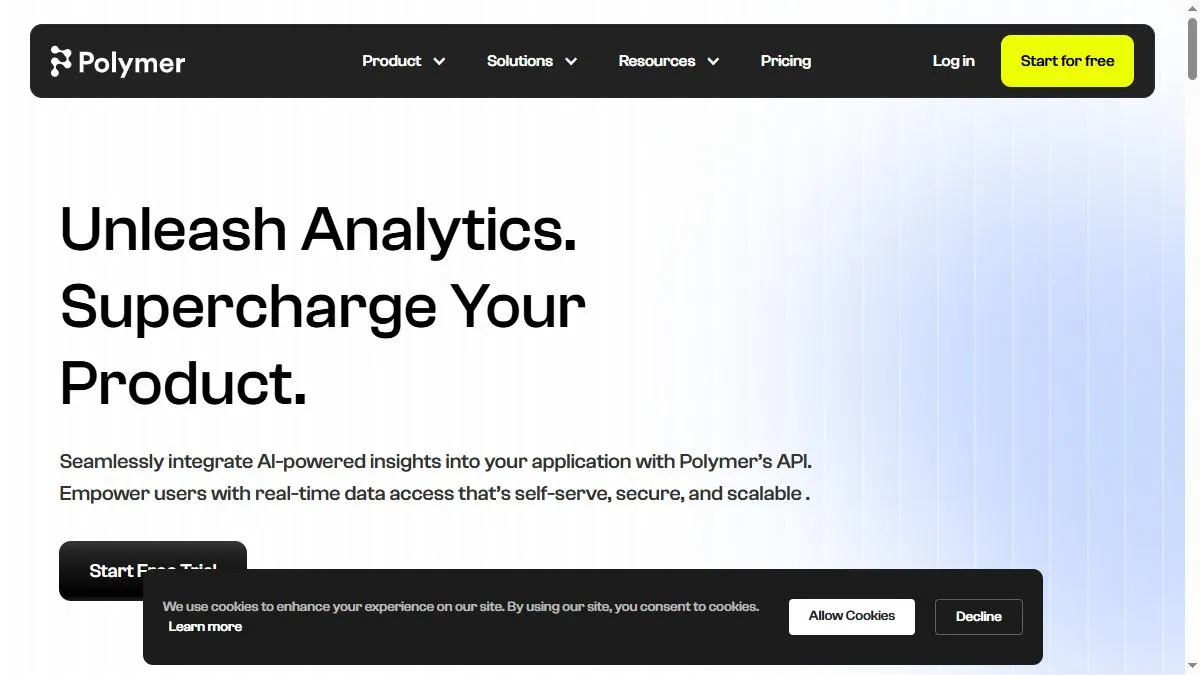
Overview of Polymer
Polymer analyzes datasets automatically to detect relationships, trends, and key drivers behind metrics. Users can upload CSVs or connect Google Sheets, then watch as Polymer creates visual dashboards with charts, filters, and summaries. Its AI recommends optimal visualization types and highlights patterns—such as underperforming segments or growth opportunities. Designed for speed, Polymer suits marketing, e-commerce, and analytics teams who want actionable data without hiring analysts. It integrates with tools like Shopify, Google Ads, and Meta for unified marketing insights. Users can share dashboards or embed them publicly.
How to use Polymer
Go to polymersearch.com and upload a CSV or link a data source. Polymer automatically processes the data, identifying key columns and relationships. The platform generates an interactive dashboard you can explore with drag-and-drop filters and AI recommendations. Use Polymer’s AI search to ask natural language questions like ‘show top-performing campaigns by ROAS’. Save and share dashboards with teammates or export visuals for reports.
What is Polymer
Polymer is the fastest way to turn data into understanding. Its AI engine automates the heavy lifting of analytics—cleaning, modeling, and visualizing—so teams can focus on insights, not setup. For small businesses or marketers, it provides enterprise-level intelligence in a user-friendly, no-code environment.
Video about Polymer
Polymer Trends
Reviews
Dashboards from a spreadsheet
Upload Google Sheet, pick a few dimensions, and it builds a usable board. Zero SQL.
Search‑like filters
Type show MRR by channel and it narrows exactly right. Non‑analysts love it.
Heavy files choke
100k rows is pushing it. Summaries first, then upload works better.
Share links, done
Stakeholders view without accounts. Faster feedback loops.