MonkeyLearn
Overview of MonkeyLearn
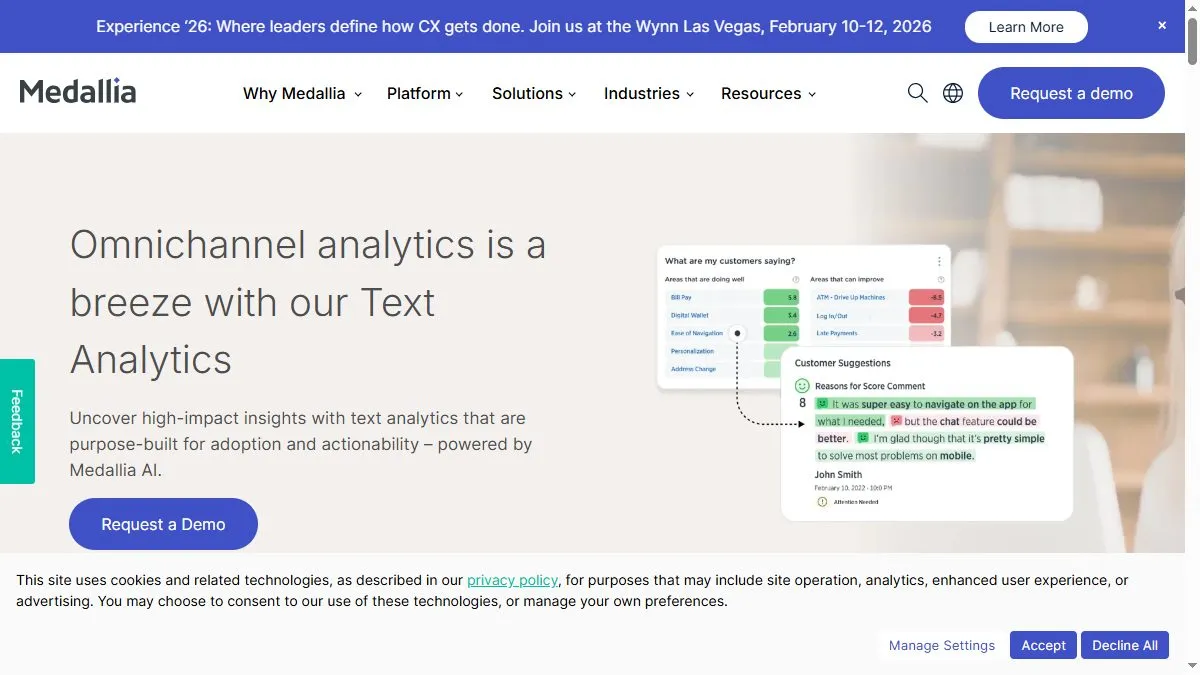
MonkeyLearn provides an intuitive drag-and-drop interface for building machine learning models without coding. Users can train custom classifiers (e.g., sentiment, topic, urgency) or extractors (e.g., names, prices, product attributes) using uploaded datasets. Its visual dashboards reveal patterns, word clouds, and trend lines. MonkeyLearn integrates with tools like Google Sheets, Zendesk, and Zapier, automating workflows and enriching customer feedback analysis. The platform’s API also allows developers to embed trained models into applications, making NLP accessible to both analysts and engineers.
How to use MonkeyLearn
Sign up at monkeylearn.com and upload your dataset (CSV, JSON, or text). Choose whether to build a classifier or extractor, label a sample dataset, and let MonkeyLearn train your model. Use the visual explorer to analyze results or deploy the model via API. Integrate with Google Sheets to analyze text columns directly or connect to Zapier for automated tagging of incoming data. Dashboards visualize sentiment over time or surface key themes in feedback.
What is MonkeyLearn
MonkeyLearn turns raw text into structured insights through no-code machine learning. It bridges the gap between data science and business teams, allowing anyone to extract meaning from unstructured feedback. From customer sentiment to topic discovery, it empowers organizations to act on data instantly.
Video about MonkeyLearn
MonkeyLearn Trends
Reviews
Tag support tickets fast
We trained a small model on 300 examples. Routing improved day one.
Sentiment is reliable
Not perfect, but enough to bubble angry customers quickly.
Zapier glue works
Classifier output hits Slack and our CRM. Zero custom code.
UI feels dated
Does the job. Would love faster bulk edits.