ParagraphAI
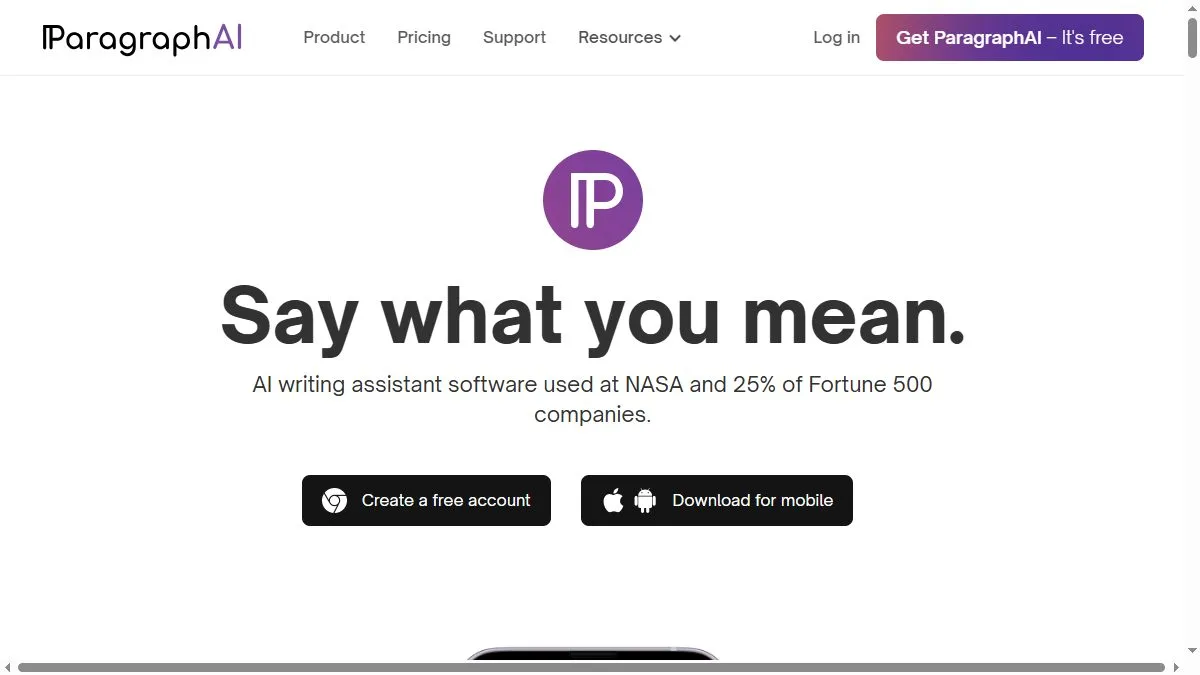
Overview of ParagraphAI
Available as a smartphone keyboard and desktop extension, ParagraphAI meets users where they write most: messaging apps, email clients, and forms. You can select intents like Write, Reply, or Improve and set tone (formal, friendly, persuasive). The assistant generates concise responses that respect context length limits and typical mobile cadence. It also supports translation and grammar cleanup for non-native speakers. Because it’s always a tap away, ParagraphAI is ideal for professionals who need to reply promptly while commuting or between meetings. Templates for outreach, follow-ups, and status updates reduce decision fatigue and maintain consistent etiquette.
How to use ParagraphAI
Install the ParagraphAI keyboard on iOS or Android, or add the browser extension. In any text field, tap the ParagraphAI icon and choose an intent. Provide a short brief—recipient, goal, key points—and generate. Edit inline, toggle tone, and insert. For replies, paste the incoming message; the tool drafts a response that mirrors context and politeness. Save favorite templates for repeated scenarios like meeting scheduling or support acknowledgments. Use translation for cross-language conversations and run a quick Improve pass for grammar before sending.
What is ParagraphAI
ParagraphAI is a pragmatic assistant for everyday writing. It focuses on clarity, tone, and speed rather than long-form creativity, making it perfect for messages that must be right and sent now. Think of it as a polite, multilingual writing partner in your pocket—one that helps you maintain professional, friendly communication without overthinking each sentence.
Video about ParagraphAI
ParagraphAI Trends
Reviews
Solid for cleanup
Good at tidying awkward sentences. I still scan tone at the end, but it speeds me up.
Helps with structure
I drop bullets and ask for a tighter paragraph. Less fluff, clearer flow.
Nothing fancy, just works
Not a miracle, but reliable for a quick pass before publish.