ZoteroBib APA
Overview of ZoteroBib APA
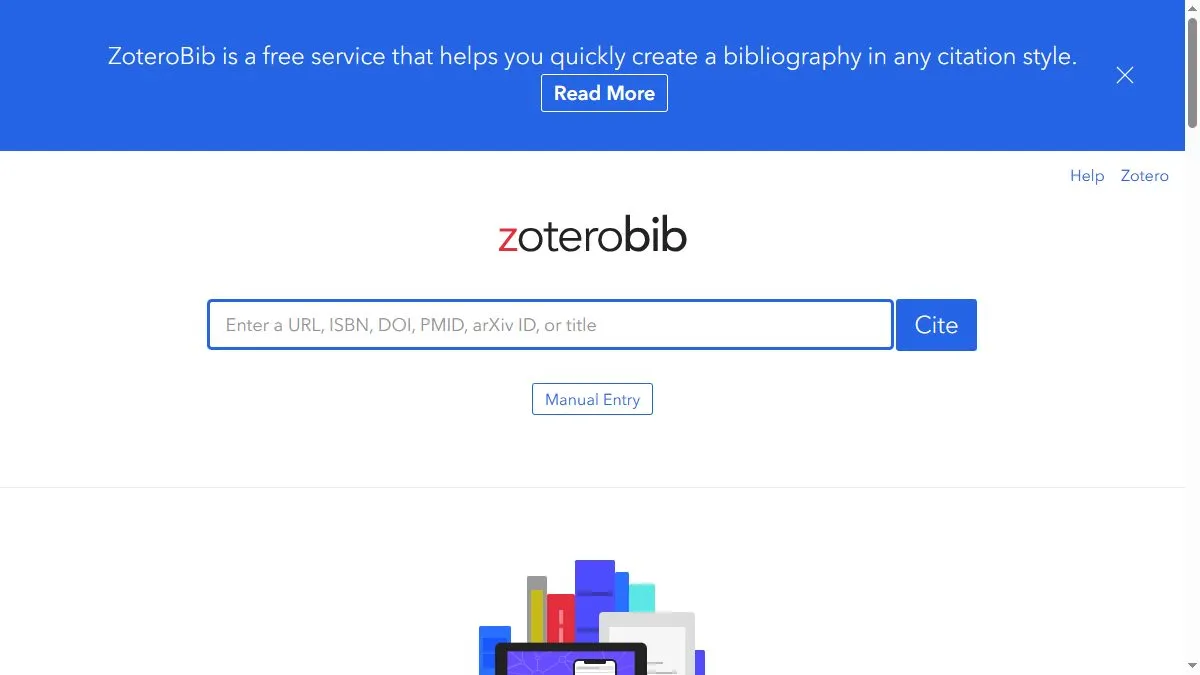
ZoteroBib APA uses the same open-source citation engine as the Zotero reference manager. It supports APA 7th edition formatting for all major source types. Users can add citations by entering URLs, DOIs, ISBNs, or titles, and the system retrieves metadata automatically. ZoteroBib allows you to create and manage bibliographies directly in the browser and export them to Word, Google Docs, or plain text. It’s privacy-conscious—no data is saved—and ideal for quick, reliable academic referencing.
How to use ZoteroBib APA
Visit zbib.org, type or paste a source identifier, and press Enter. ZoteroBib will fetch metadata and generate a formatted APA citation. You can continue adding sources to your list and export the full bibliography when finished.
What is ZoteroBib APA
ZoteroBib APA provides free, accurate APA-style citation creation using Zotero’s trusted citation engine—perfect for students, educators, and researchers.
Video about ZoteroBib APA
ZoteroBib APA Trends
Reviews
One‑off bibliographies done
No account, paste DOI/URL, export to BibTeX or copy reference. Perfect for a quick page.
Metadata merge is smart
If the DOI misses a field, it grabs Crossref to fill gaps. Fewer manual fixes.
Cite while you search
I keep it open, add entries as I read, then export once. Clean workflow.
Collections are basic
No folders—by design. For term papers that’s fine.