Warp AI
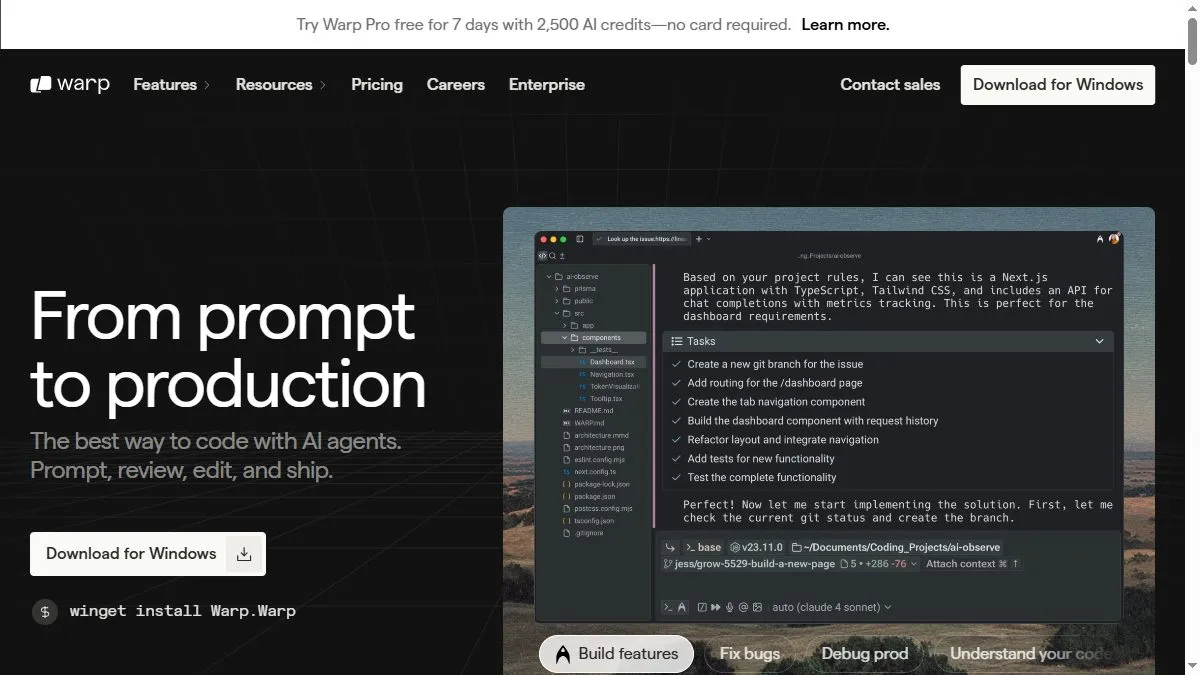
Overview of Warp AI
Warp reimagines the command line by combining a fast, GPU-accelerated interface with AI capabilities powered by large language models. It allows developers to execute shell commands using natural language, receive explanations of outputs, and even generate command sequences for specific tasks. The terminal supports block-based input, syntax highlighting, autocomplete, and a shared command history. Warp AI acts like a built-in mentor, helping users craft complex bash, zsh, or fish commands efficiently. It integrates with GitHub, Docker, and cloud environments while supporting team collaboration through shared workflows and reusable command snippets.
How to use Warp AI
Download Warp for macOS or Linux at warp.dev. Open the terminal and enable Warp AI in the command palette. You can type in natural language requests such as ‘create a new git branch and push to origin’ or ‘show disk usage by folder’. Warp AI translates them into shell commands. It also explains errors, suggests fixes, and can generate documentation for command outputs. You can save snippets, share commands with teammates, and use its search function to recall prior tasks. Warp automatically syncs settings via account login for consistent configuration across devices.
What is Warp AI
Warp AI is the evolution of the terminal—combining AI reasoning with a developer-focused interface. Instead of memorizing flags and syntax, users describe goals in plain English, and the AI generates precise, executable commands. It transforms the command line from a raw text interface into a collaborative, intelligent environment, boosting productivity and lowering the barrier to advanced shell operations.
Video about Warp AI
Warp AI Trends
Reviews
CLI help that is not annoying
Ask for a one‑liner and it gives a safe command with flags explained.
Context matters
If the current dir is weird, suggestions drift. I add a short note and it lands.
Scripts are a start
Generated zsh snippets are fine, I still review for edge cases.
Blocks for repeat tasks
Saved a few common commands with args. Team picked them up fast.