Voicemod AI
Overview of Voicemod AI
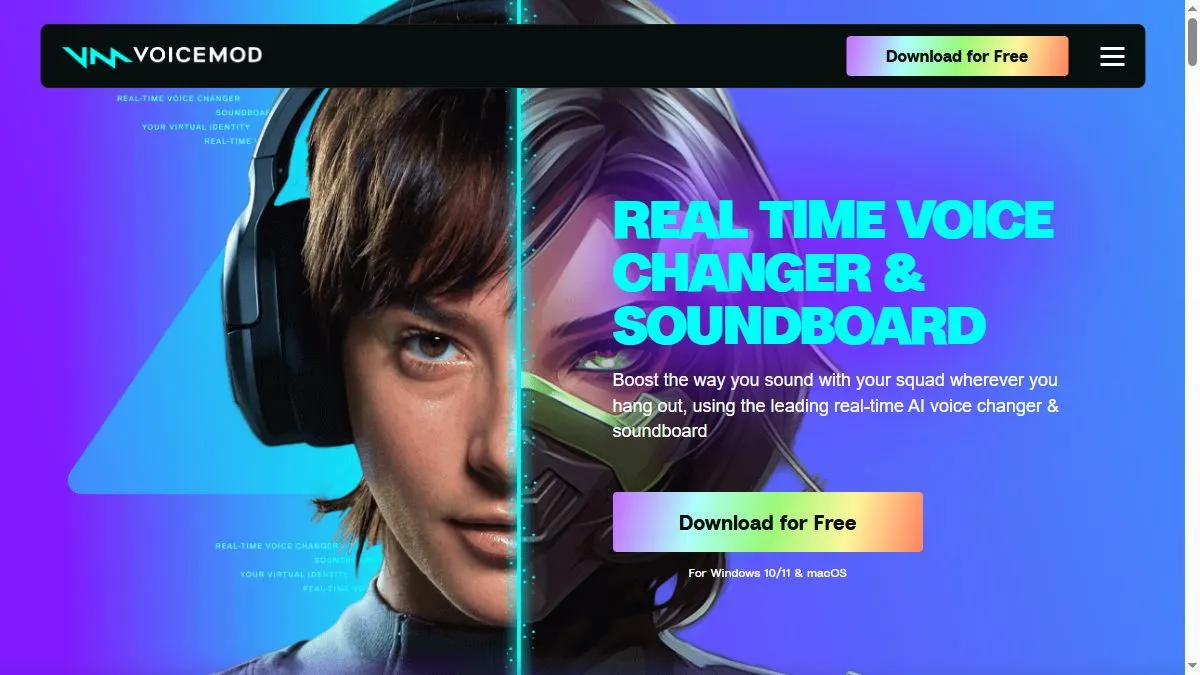
Voicemod combines classic DSP filters (pitch, formant, EQ) with AI-based timbre modeling. The new generative voice engine mimics cinematic and character voices realistically, while the soundboard system lets you trigger effects on demand. The interface is optimized for streamers—quick toggles, hotkeys, and integration with Elgato Stream Deck. The company emphasizes ethical data collection and recently launched Voicemod Characters, where approved actors license their voices for in-app use. It’s cross-platform and frequently updated with seasonal voice packs.
How to use Voicemod AI
Install the desktop app, select your input/output devices, and calibrate the mic. Browse the AI voice catalog, apply filters, and test live in Discord or OBS. Customize voices by adjusting pitch and tone or combine them with soundboard effects. Set hotkeys for switching voices mid-stream. Save favorites for quick recall and use the Pro version to access premium voice models and audio routing tools.
What is Voicemod AI
Voicemod AI is an entertainment-focused real-time voice transformer that merges artistry and accessibility. It’s perfect for streamers, gamers, and VTubers who want to sound unique without editing audio manually. Its blend of AI voices and instant effects turns live interaction into creative performance, redefining what voice identity means online.
Video about Voicemod AI
Voicemod AI Trends
Reviews
Keep input dry
Record without reverb, aim around minus 12 dB in. The transform sounds way cleaner.
Short phrases sound better
Long sentences wobble. I keep lines short and the effect holds up on stream.
Hotkey scenes
I map voices to hotkeys and swap on the fly. Smooth for live bits.
Chain order matters
Noise gate then compressor then Voicemod. Less pumping and fewer artifacts.