Pieces for Developers
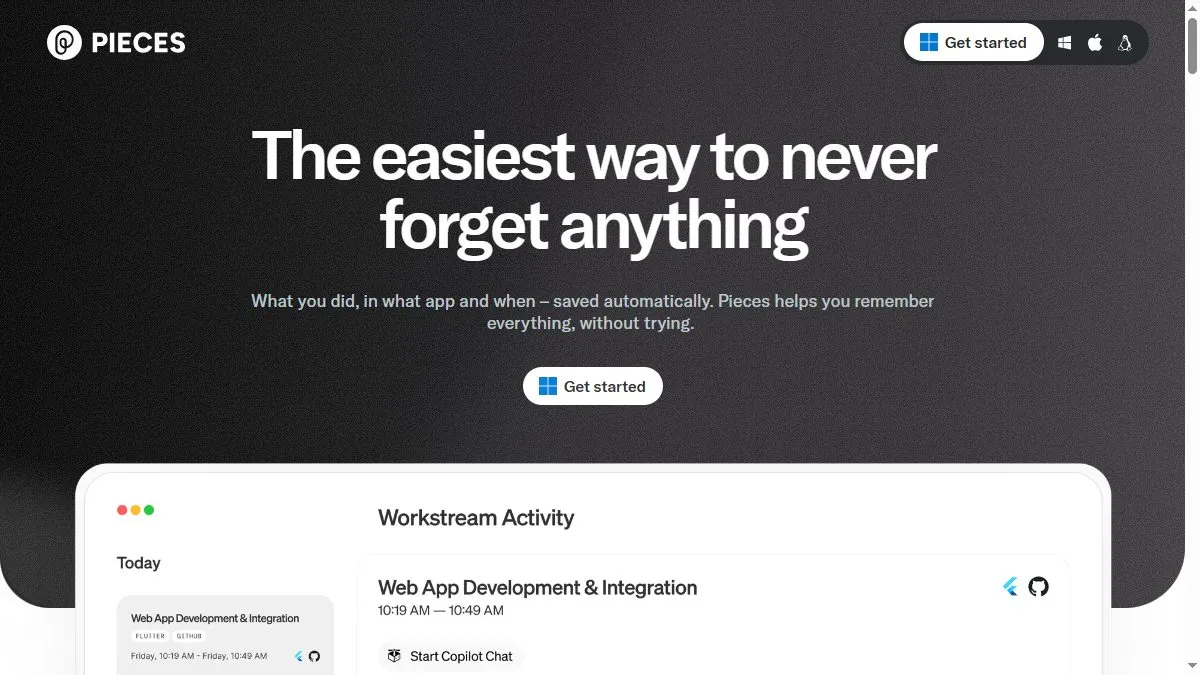
Overview of Pieces for Developers
Pieces captures everything developers interact with—snippets from the web, IDE code, images, or notes—and turns them into searchable, tagged assets. Its AI engine recognizes programming languages, frameworks, and metadata to auto-organize content. With context-aware retrieval, users can instantly recall a snippet relevant to their current coding environment. Integrations with VS Code, Chrome, and JetBrains make it effortless to capture and reuse code. The desktop app syncs through secure local-first storage, preserving privacy while allowing cloud backup. Pieces also supports collaborative sharing with teams through Workspace, where AI recommends reusable assets.
How to use Pieces for Developers
Download Pieces from pieces.app and install its desktop client or IDE extensions. When coding, highlight and save snippets or screenshots; Pieces automatically detects context and labels them. Use search to retrieve items by natural language (‘find my last Flask API snippet’) or tags. The AI Assistant can explain snippets, suggest improvements, or generate documentation. Connect Workspace for team sharing, and enable sync if you want cloud-based backup. Developers use Pieces to centralize inspiration, code fragments, and research across projects.
What is Pieces for Developers
Pieces for Developers transforms scattered code and notes into an intelligent personal library. It uses AI to make everything searchable, contextual, and reusable—helping developers focus on building instead of re-finding solutions. It bridges the gap between local productivity and team knowledge sharing, turning personal snippets into a collaborative asset.
Video about Pieces for Developers
Pieces for Developers Trends
Reviews
Snippets that actually stick
I save tiny utils with tags like http client or date math. Autocomplete finds them inside VS Code. Feels native.
Screenshots to code
Paste a cropped stack trace screenshot and Pieces OCRs it. I copy the error right into search. Silly useful.
Sync can hiccup
Team spaces sometimes lag on big uploads. Refresh fixes it, but still.
Context on paste
It remembers the source URL and language. Six weeks later I still know where a snippet came from.