Ginger
Overview of Ginger
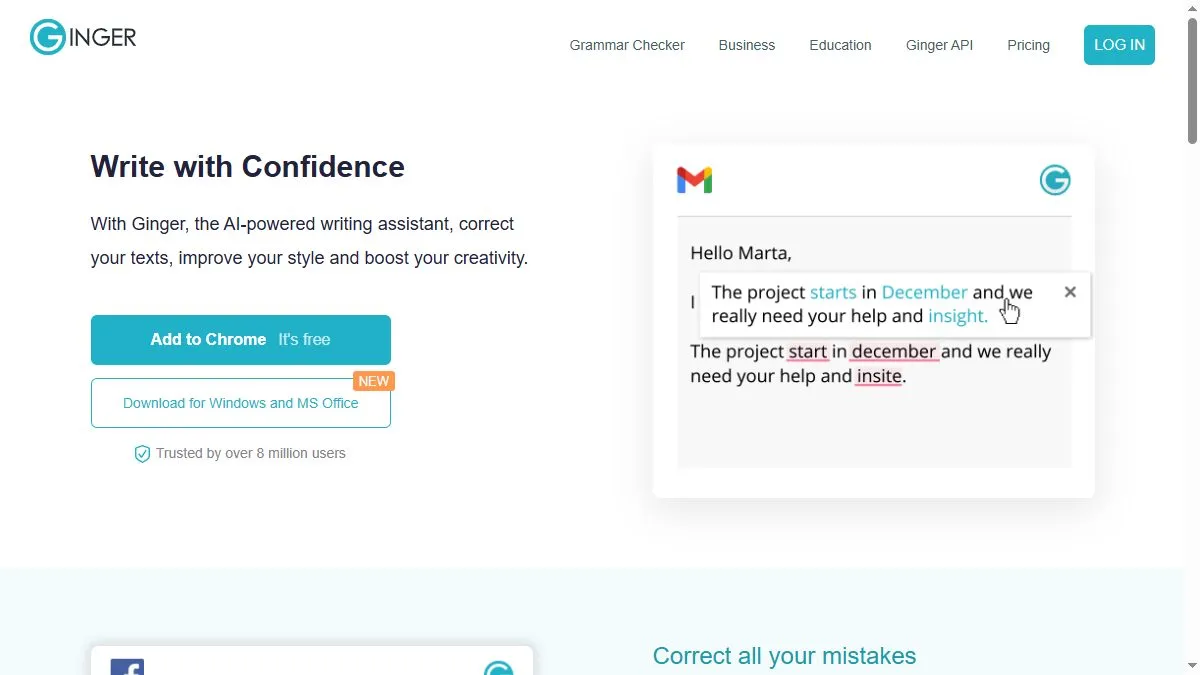
Ginger detects grammar and punctuation errors and offers intelligent sentence rewrites that sound natural. Its contextual suggestions improve tone and phrasing beyond basic correction. The tool also includes a built-in dictionary, translator, and text reader for proofreading. It supports multiple platforms—desktop, mobile, and browser—and integrates with Microsoft Word and Outlook. Ginger is particularly effective for non-native English speakers seeking fluency improvement.
How to use Ginger
Install the Ginger extension or visit gingersoftware.com. Paste your text, and the AI will highlight issues with grammar, style, and structure. Click suggestions to apply corrections or use the ‘Rephrase’ feature to improve sentence flow. You can also translate text directly within the interface.
What is Ginger
Ginger helps users write clearly and naturally by combining grammar correction, translation, and rephrasing into one intuitive AI-driven editor.
Video about Ginger
Ginger Trends
Reviews
Smart rephrase options
Gives a few alternates that actually read better, not just thesaurus swaps.
Formatting quirks
Sometimes nudges spacing. I paste to plain text first.
Context window limits
Very long paragraphs confuse tone. Shorter chunks work.
Great for chat replies
Quick polish before sending a tricky Slack message.