Grammarly
Overview of Grammarly
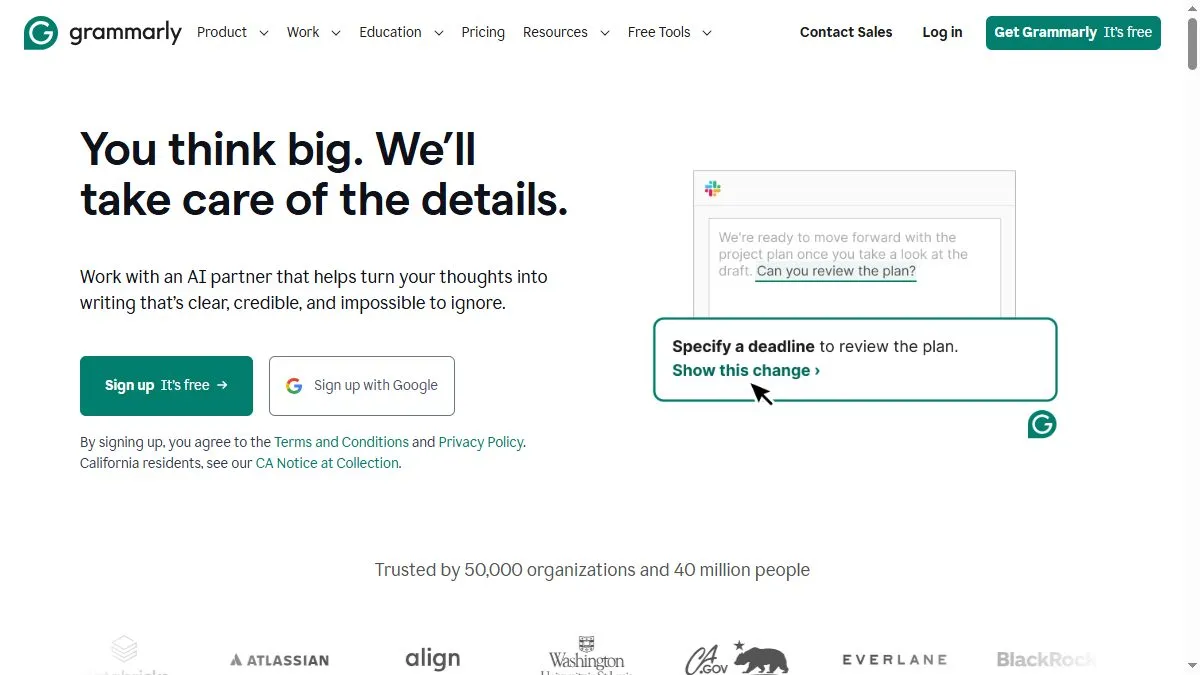
Grammarly analyzes text in real time using natural language processing and linguistic models to detect grammatical errors, punctuation issues, and stylistic weaknesses. It offers contextual recommendations for clarity, engagement, and tone. Beyond simple correction, Grammarly enhances readability and coherence by suggesting rewrites for lengthy or confusing sentences. Its tone detector adapts suggestions to fit the writer’s intent—formal, neutral, or conversational. The platform integrates with Microsoft Word, Google Docs, browsers, and email clients. Premium features include plagiarism checking, vocabulary improvement, and advanced sentence rewrites powered by generative AI.
How to use Grammarly
Install Grammarly as a browser extension, desktop app, or Microsoft Word add-in. Write or paste your text into the editor. Grammarly highlights errors and suggestions in real time. Click on each to apply corrections or view explanations. You can adjust tone goals or enable plagiarism detection in settings. The platform syncs across devices via your Grammarly account.
What is Grammarly
Grammarly is your intelligent co-editor, ensuring your writing is error-free, polished, and appropriately toned. It’s the industry standard for AI-driven grammar correction and clarity enhancement.
Video about Grammarly
Grammarly Trends
Reviews
Best for quick polish
Fixes agreement, punctuation, and tightens wording. I accept most changes.
Tone rewrites are useful
Switch to ‘confident’ and emails read stronger without being rude.
Tech terms get flagged
I add domain words to dictionary and it’s fine.
Great across apps
Works in Docs, Gmail, and Slack without drama.