Jenni AI
Overview of Jenni AI
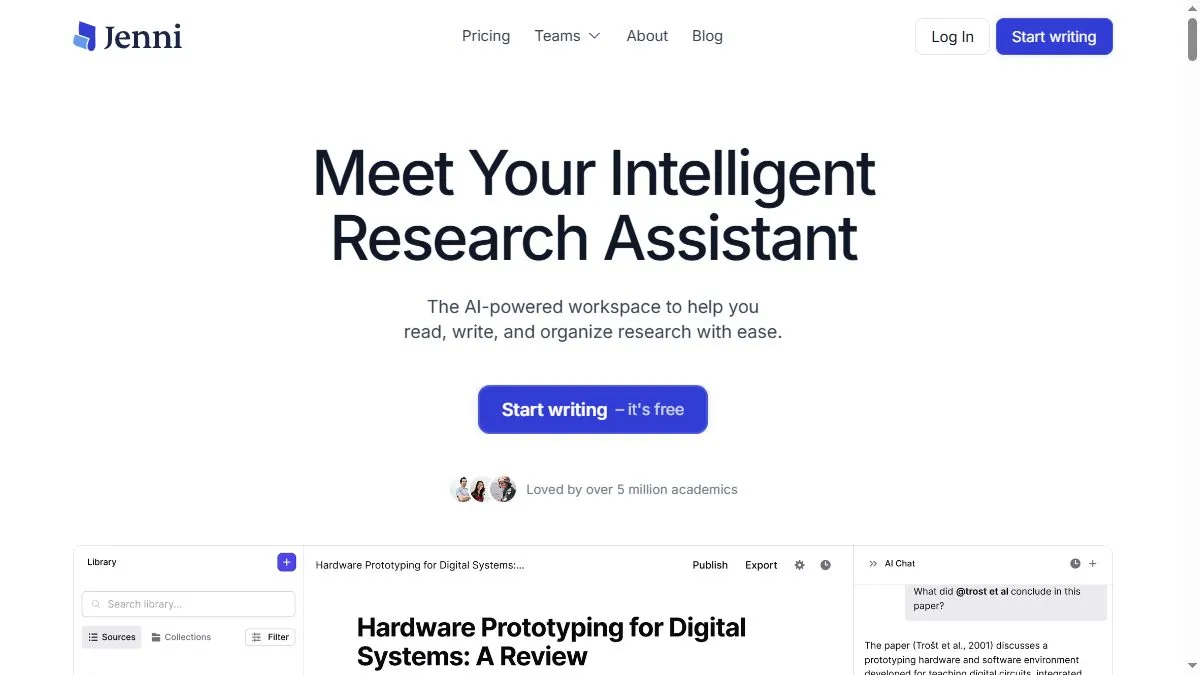
Jenni AI uses advanced language models fine-tuned for academic and professional writing. It can generate essays, literature reviews, and reports with accurate structure and citation support. The interface allows for inline editing, tone adjustment, and rephrasing to improve readability. Users can upload their sources, and Jenni automatically creates citations in APA, MLA, or Chicago style. Its ‘Continue Writing’ feature helps expand sections naturally while maintaining logical flow. Jenni also includes plagiarism checking and AI detection resistance tools, ensuring that outputs stay both original and credible.
How to use Jenni AI
Go to jenni.ai, log in, and start a new document. Choose the type of content—essay, article, or research paper—and add a title or prompt. Jenni will generate a draft, which you can refine by clicking on sentences for rephrasing or expanding. Use the sidebar for citation management or to insert references. The platform autosaves and allows export to Word or Google Docs.
What is Jenni AI
Jenni AI is your AI co-writer for research and content creation. It merges automation with human-style reasoning to help you produce academic-quality writing faster, clearer, and smarter.
Video about Jenni AI
Jenni AI Trends
Reviews
Citations built‑in
Academic mode inserts references as you draft. I replace a few with better ones.
Outline → draft
I sketch headings and it fills a coherent first pass. Polishing is on me.
Avoid overclaims
Tone can get too strong. I dial it back and add hedges for accuracy.
Good at paraphrase
Keeps meaning while cutting fluff. Plagiarism checks pass.