Voice.ai
Overview of Voice.ai
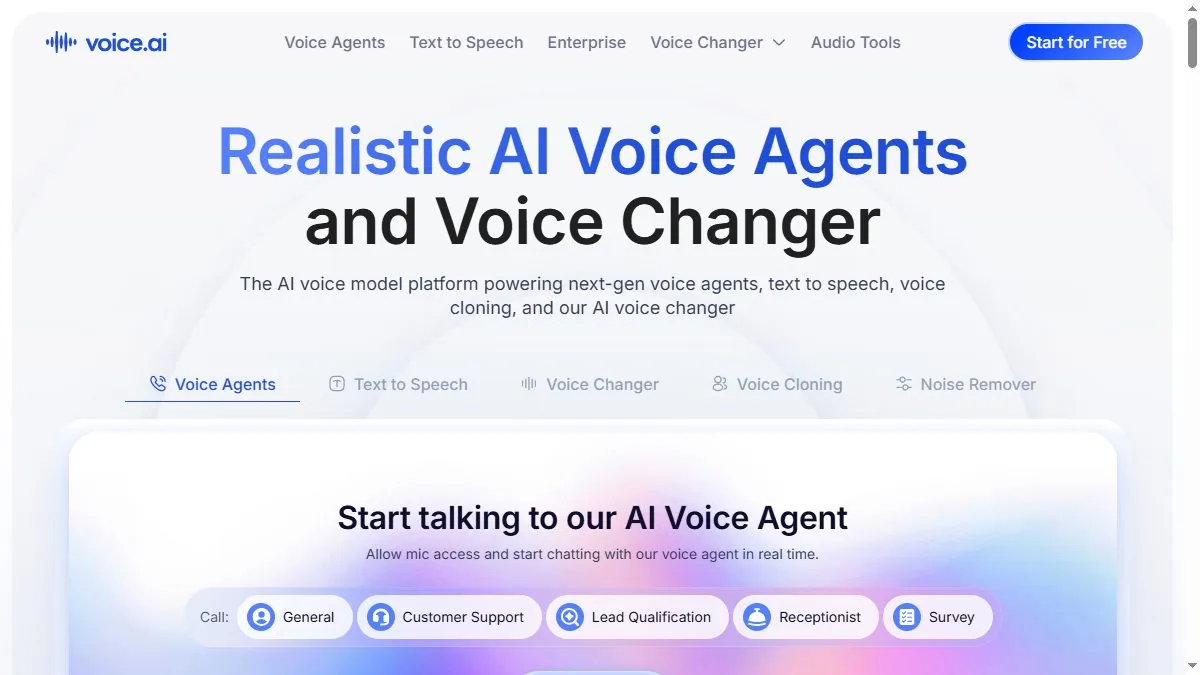
The software focuses on fun and live usability. Using proprietary inference compression, it changes voice characteristics in real time with minimal lag. The Voice Universe lets you download or create voices trained on authorized data, spanning categories like streamers, singers, and game characters. Updates in 2024 introduced better pitch stability and noise handling. The desktop client integrates with most input devices, routing processed audio into any app. Users value the balance of realism and performance—it feels natural enough for roleplay, yet light enough for live use.
How to use Voice.ai
Download the desktop app, sign in, and select an input/output device. Browse the Voice Universe to pick or train a voice, adjust pitch and tone sliders, and calibrate the microphone. Enable ‘Live Mode’ and start speaking in Discord or OBS; the app replaces your audio feed on the fly. Save favorite voices, or train your own with clean recordings. For streamers, combine it with hotkeys to swap characters mid-session.
What is Voice.ai
Voice.ai is a live-performance-oriented voice conversion platform that blends entertainment and engineering. It makes character and parody voices accessible to everyone without DAW setups, powering everything from Twitch skits to podcasts. Beyond fun, its growing model library shows the cultural potential of personalized AI voice identities.
Video about Voice.ai
Voice.ai Trends
Reviews
Better with clean input
I record dry, no reverb, then style transfer. Artifacts drop a lot.
Short phrases win
Long sentences wobble. Shorter lines sound steadier.
Latency on older rigs
On my old laptop the preview stutters. I render and review offline.
Watch gain staging
Hot recordings distort the transform. I aim around minus 12 dB in.